
So, you’re thinking about becoming a Showit website designer?
Whether you’re staring at your first blank canvas or ready to turn your design side hustle into a full-blown business, we’ve rounded up some seriously helpful courses and tutorials, free and paid, beginner to advanced.
Let’s break it down by level and vibe, so you can find your perfect fit.
Table of Contents
Free & Beginner-Friendly Resources
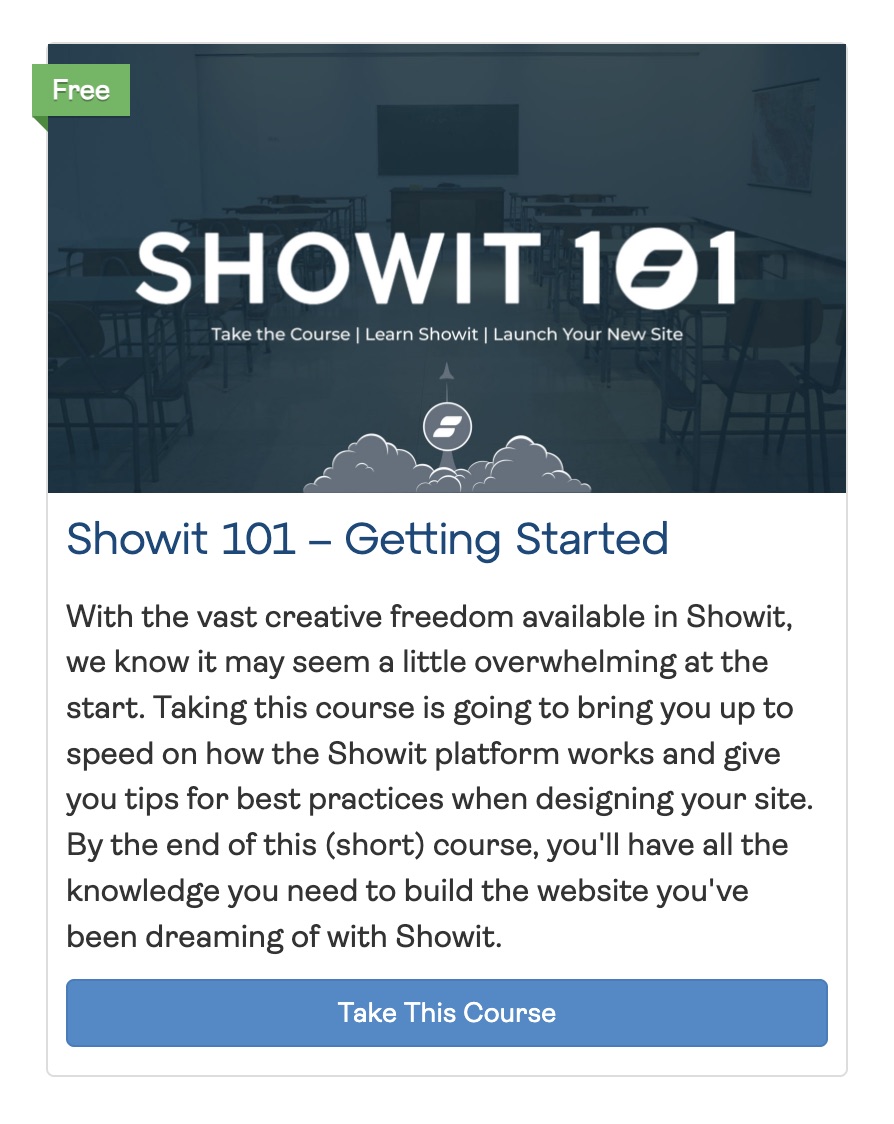
1. Showit 101 – Getting Started (Showit Official)
Platform: Showit Training Hub
Price: Free
Format: Self-paced video lessons
Level: Beginner
If you’ve never even clicked into Showit, start here. This is the platform’s official intro course, and it’s like the digital version of training wheels. You’ll learn the basics—canvases, settings, how blogging fits in—and by the end, you’ll have the chops to build your own fully functional Showit site.
2. Showit Design Market Standards (Showit Official)

Platform: Showit Training Hub
Price: Free
Format: Self-paced course
Level: Advanced
Thinking of designing templates to sell on the Showit Design Market? You’ll need to play by Showit’s rules and this course walks you through the formatting and functionality must-haves to get your designs accepted.
3. “Learn Showit in Less Than 30 Minutes” (Showit YouTube)
Platform: YouTube
Price: Free
Format: One 30-minute video
Level: Beginner
The fast-food version of learning Showit—but, like, the gourmet kind. It’s an excellent crash course if you want the basics ASAP without overthinking it. You’ll walk away with a solid grasp of the tools and layout.
4. Showit Animation Course (Showit Official)
Platform: Showit Designer Hub
Price: Free (requires Showit login)
Format: Self-paced course with lessons across 4 modules
Level: Beginner to Intermediate
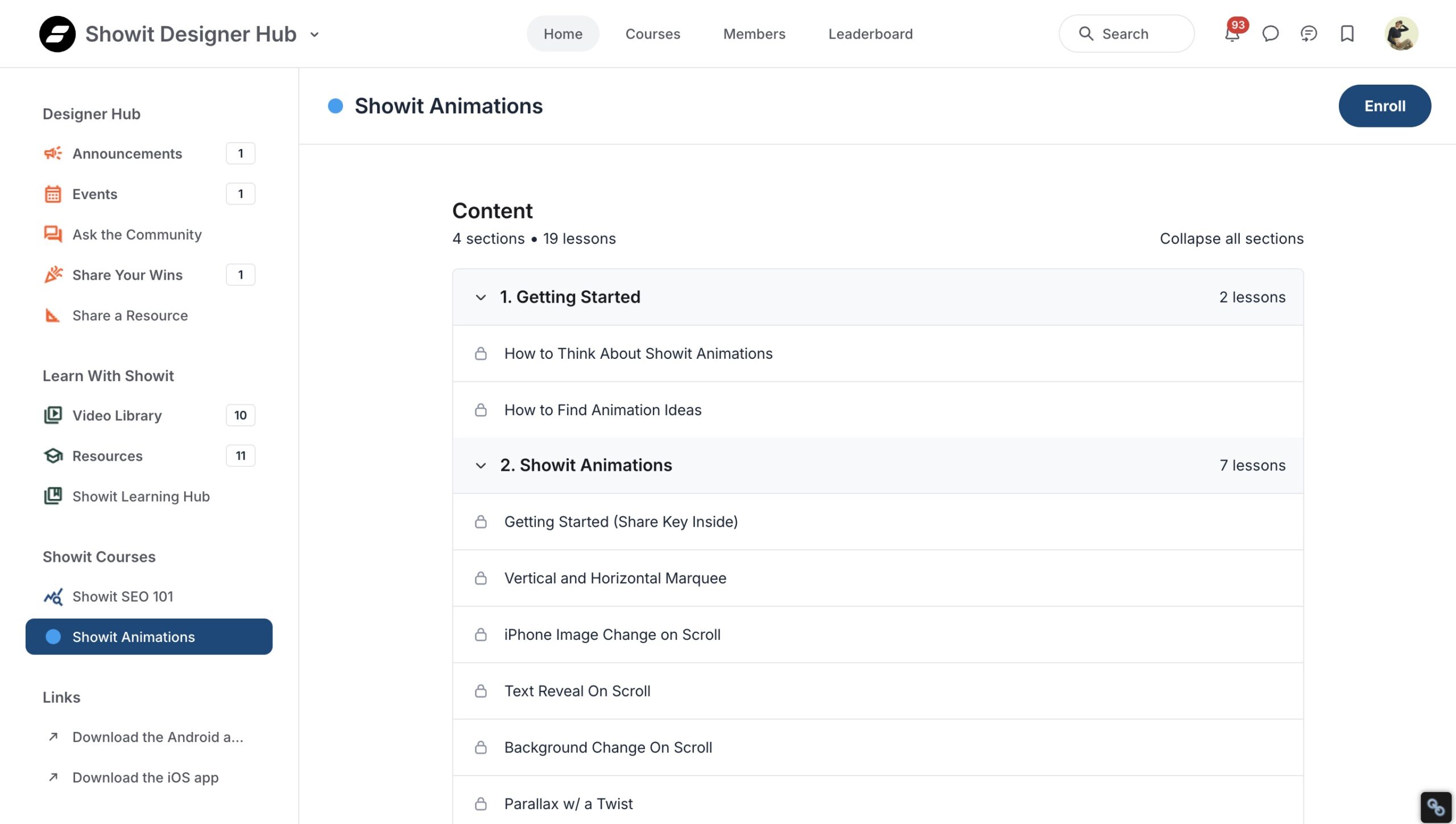
This free course from Showit teaches you how to add modern, interactive animations to your site—no coding background required. You’ll learn a mix of native Showit animations and third-party tools to create effects like hover states, parallax scrolling, text reveals, and background changes.
Topics include:
– Scroll animations (like marquee effects and image swaps)
– Working with tools like Lottie, Spline, and GSAP
– Animating text, images, SVGs, and more
– Code-based enhancements for advanced users
Whether you’re brand new to animation or want to level up your site with movement and micro-interactions, this course is a goldmine of practical, designer-friendly tutorials, and it’s completely free for Showit users.
5. Gillian Sarah’s Showit Tutorials (YouTube)
Platform: YouTube
Price: Free
Format: Video series
Level: Beginner to Intermediate
Gillian is a UK-based Showit pro who makes video tutorials with a side of charm and a delightful accent. Her channel’s stacked with step-by-step help, clever design tricks, and walkthroughs that’ll keep you engaged (and actually learning).
6. Davey & Krista’s Showit Tutorials + Blog
Platform: DaveyAndKrista.com & YouTube
Price: Free
Format: Videos + blog posts
Level: Beginner to Intermediate
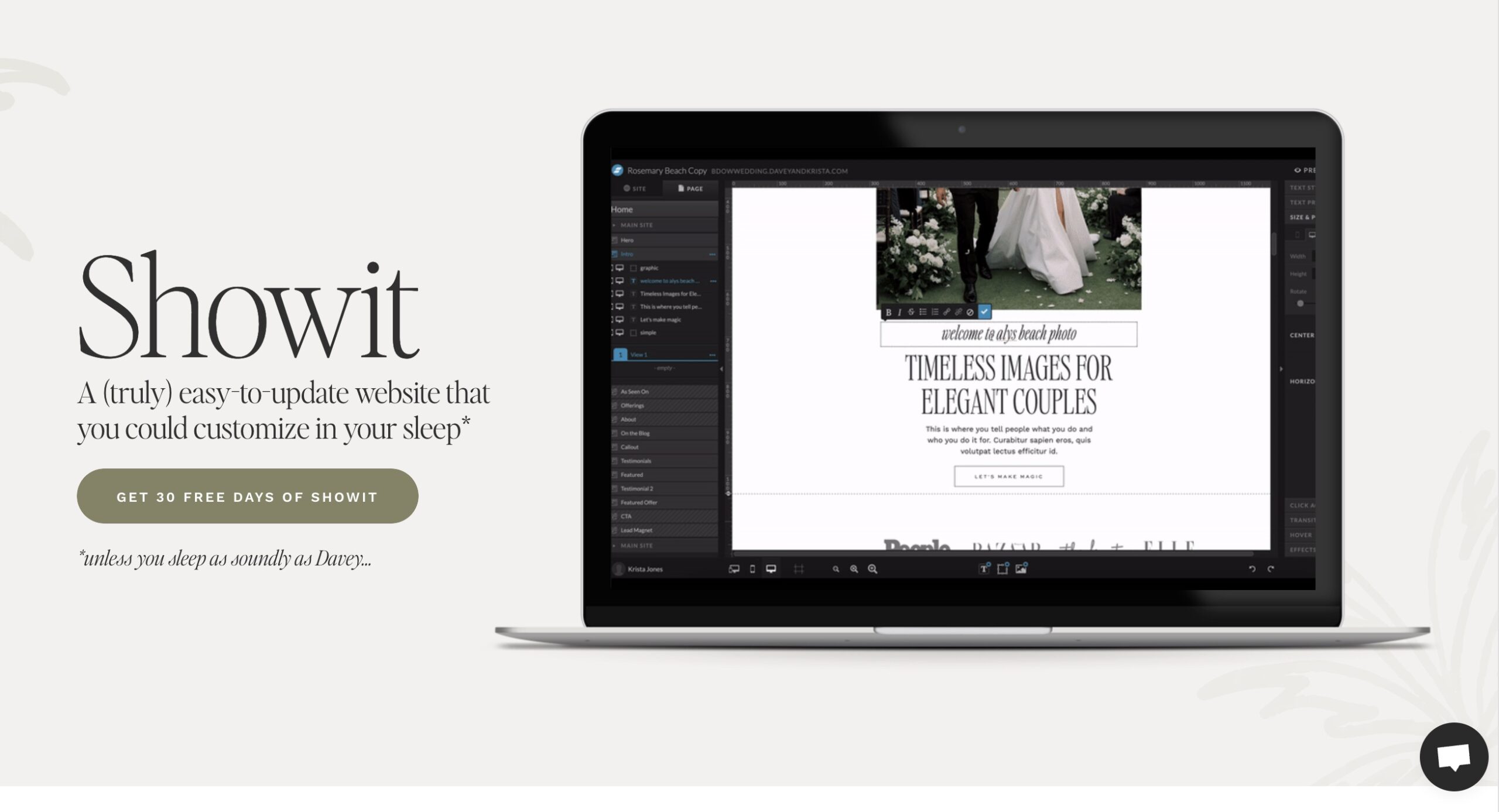
This husband-wife design duo knows their stuff. They’ll teach you everything from Showit + WordPress setup to SEO basics and smart design principles. It’s approachable, it’s helpful, and yes—it’s totally free.
7. Launch With Moxie Website Workshop (Jessica Gingrich)

Platform: JessicaGingrich.com
Price: Free with template or paid separately
Format: Video lessons + optional live support
Level: Beginner/Intermediate
If you’re DIY-ing a Showit site with one of Jessica’s premium templates, this course is your new BFF. You get a full 5-day plan, video trainings, team support, bonus resources, and even a content planner. Ideal for those who want a professional site without starting from scratch.
Paid Courses for Aspiring Designers (Beginner Level)
8. Showit Master Course: Build a Website in 2.5 Hours (Nickie Rowley)
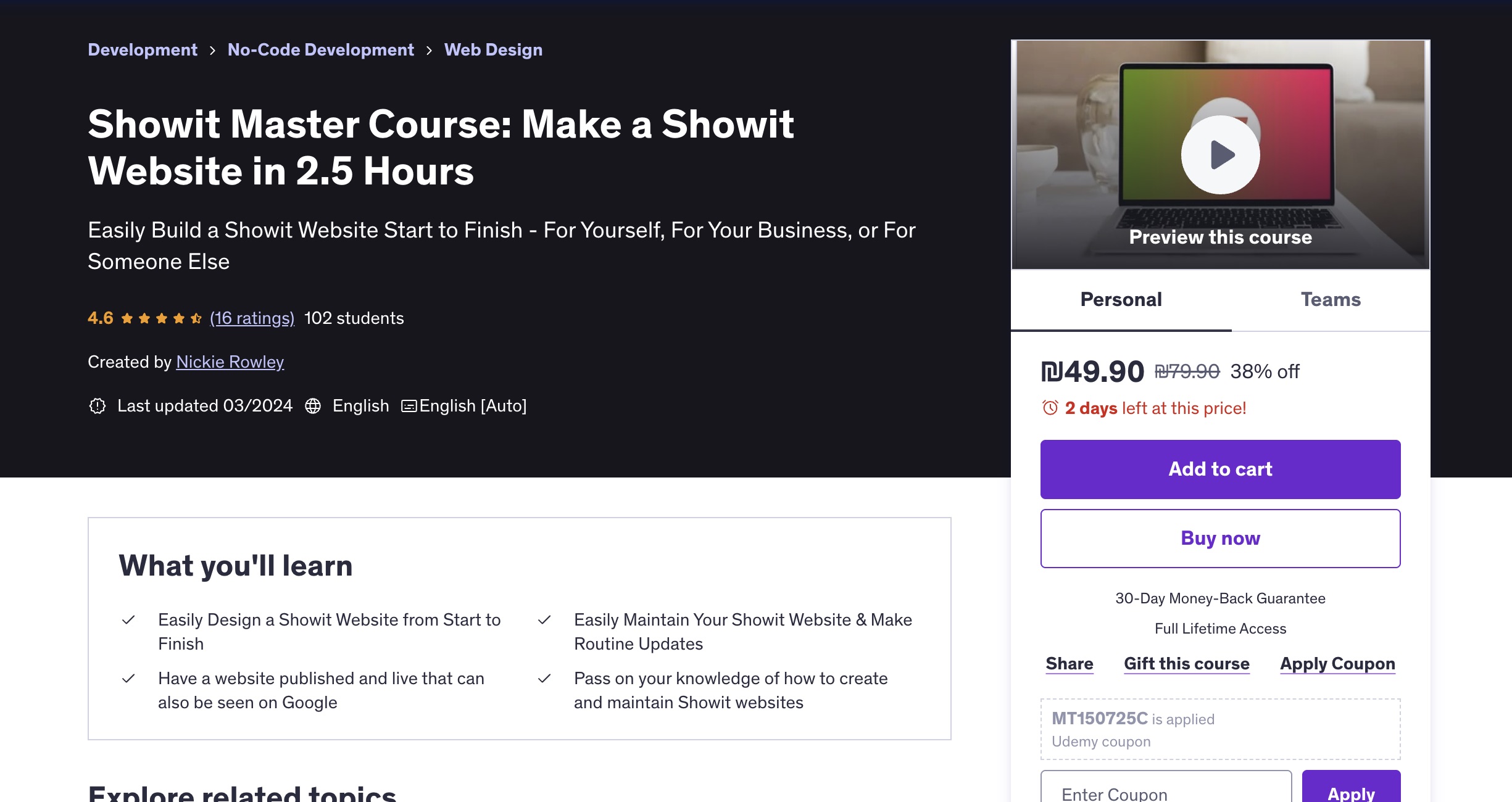
Platform: Udemy
Price: ~$20–$50 (watch for discounts)
Format: On-demand video course (2.5 hours)
Level: Beginner
This one’s for the “I need this live yesterday” crew. Nickie’s course is a start-to-launch Showit walkthrough covering design, content, SEO, and more—all in just a few hours. No coding, no fluff—just get it done.
9. The CEO of Showit (Becca Luna)
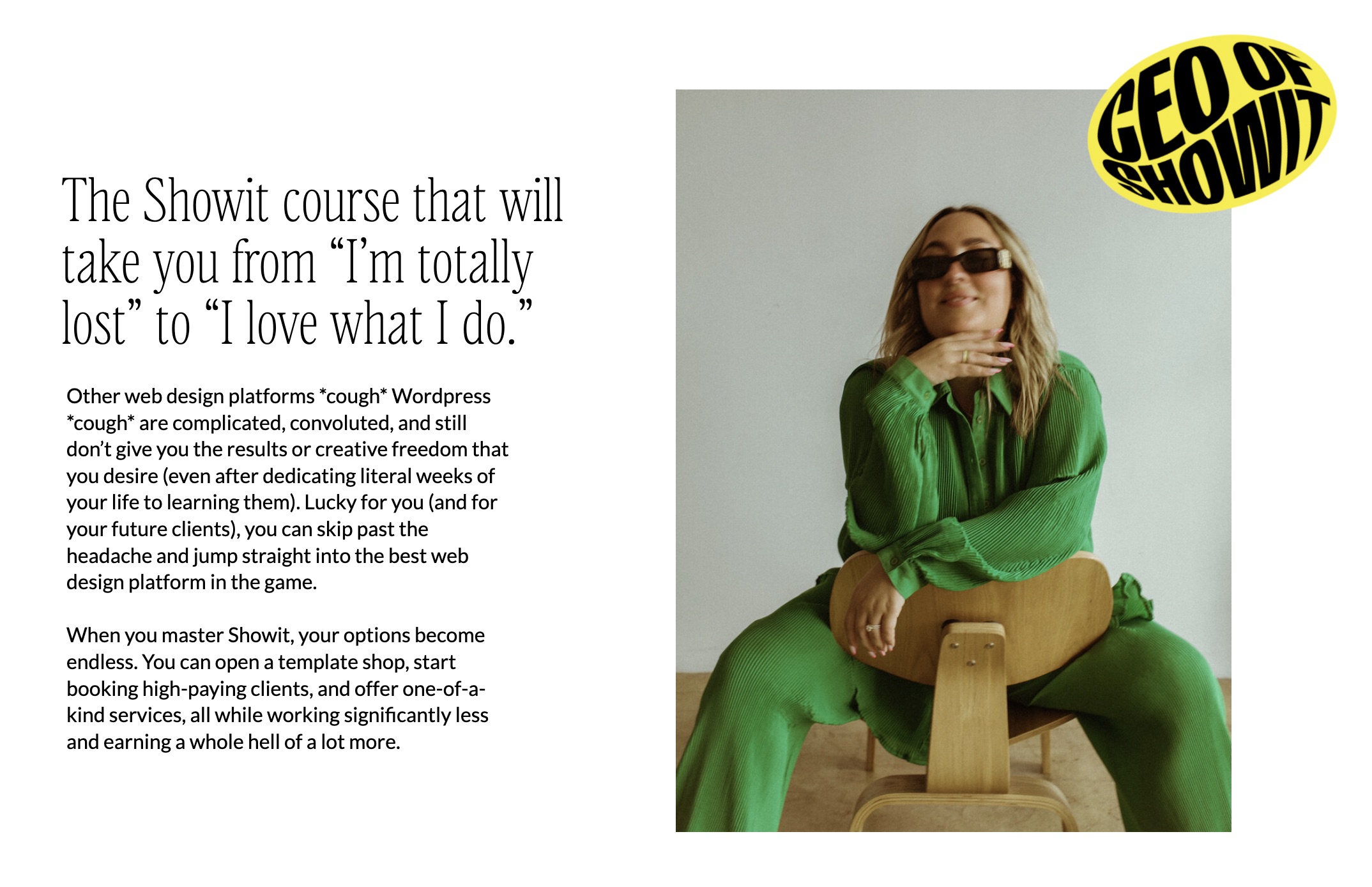
Platform: BeccaLuna.com
Price: $497 (or less during promos)
Format: Self-paced video course + community
Level: Beginner to Intermediate
Becca Luna’s flagship course is half design school, half business bootcamp. You’ll learn how to create high-end custom websites in Showit and how to build a legit design biz around them. Includes template creation, client strategy, pricing, and even mindset. This one’s a fan favorite for good reason.
10. Wealthy Web Designer (Becca Luna + Willow Kai)
Platform: BeccaLuna.com
Price: $1,500, payment plan available
Format: Self-paced modules + templates
Level: Beginner/Intermediate
More than just learning Showit, this course teaches you how to run a profitable design business. Becca and Willow give you their exact workflow, real-world client processes, and a peek into their business systems. Bonus: you get all the goodies—docs, templates, scripts, the works.
11. Showit-All Course (Katie Harrington, Rebel & Rise)
Platform: RebelandRise.co
Price: $1,497–$4,997 depending on tier
Format: 115+ lessons, community, live Q&As
Level: Beginner to advanced content
This course really does cover it all—from Showit basics to running a full design business. You’ll get access to three robust modules (tech skills, expert-level techniques, and business strategy), plus a template and feedback on your work. Best for those serious about leveling up and investing in their growth.
12. The Gorgeous Academy (Mindy Vassalle)

Platform: BrandMeGorgeous.com
Price: $300 or $27/month x12
Format: Self-paced course + community
Level: Beginner/Intermediate
This all-in-one course helps you master Showit, create and sell templates, and work with clients like a pro. Mindy keeps things approachable and packed with resources (pricing guides, email templates, a wireframe kit—you name it). It’s the budget-friendly powerhouse that still delivers serious value.
13. Slayin’ Showit (Olive St Studio / Krista Miller)

Platform: OliveStStudio.com
Price: $3000, payment plan available
Format: Six-week online course with live support, resources, and community access
Level: Beginner to Intermediate
Slayin’ Showit is a structured six-week program designed to help you build a strategic, client-worthy website from scratch—even if you’re starting with zero experience. The curriculum is “dripped out” over six weeks to avoid overwhelm, with each module building on the last.
What sets this course apart is the level of support: you’ll get monthly Slayin’ Sesh calls to dig deeper into the content, ask questions, and get feedback in real-time.
Advanced & Niche Programs
14. Revolving Revenue (Northfolk / Sam + Rachel)
Platform: Northfolk.co
Price: $4797- Save $600 on the program with the link above.
Format: Cohort-based course + community
Level: Advanced
If you’ve got the design chops and want to scale with passive income (read: selling Showit templates while you sleep), this is your next move. Sam & Rachel spill every detail of their six-figure template business, including legal, marketing, automation, and beyond. Think: mentorship meets mastermind.
15. How to Build a Six-Figure Showit Template Shop (Superhero Design)

Platform: SuperheroDesign.co
Price: Paid (check site for pricing tiers and promos)
Format: Self-paced course + templates, business resources, and community support
Level: Intermediate to Advanced
This course is built specifically for designers who want to go beyond client work and scale their income with a profitable Showit template shop. Taught by the team behind Superhero Design, it breaks down exactly how they built a six-figure digital product business, with Showit as the engine.
You’ll learn how to design high-converting templates, set up systems for passive sales, price and position your offers, and build a scalable shop that doesn’t rely on constantly chasing clients. The course includes practical training, swipe files, and strategy guidance to get your template business off the ground.
16. WooCommerce Unleashed (Penguin Designing / Ingrid)
Platform: PenguinDesigning.com
Price: Paid
Format: Self-paced video course + support
Level: Advanced
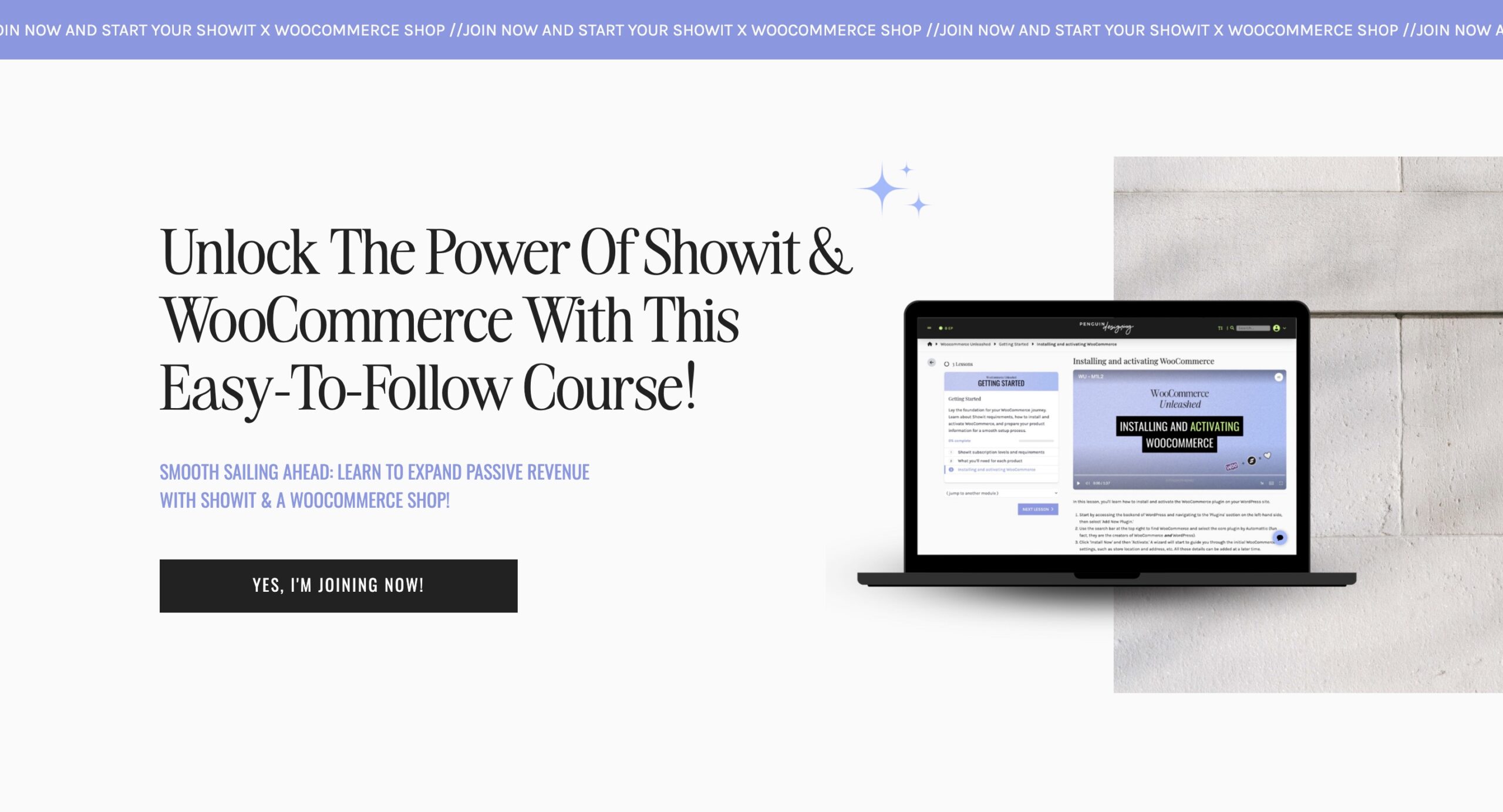
Want to turn your Showit site into a fully functional online store? WooCommerce Unleashed shows you exactly how to connect Showit with WooCommerce, without the tech overwhelm. Created by Showit Design Partner Ingrid from Penguin Designing, this course walks you through creating a custom-built store that not only looks beautiful but also converts visitors into paying customers. This course is perfect for creatives who want to launch a custom shop and start earning passive income, without changing website builders and Showit website designers that want ti upgrade their skills.
Bonuses
Bonus 1: The Showit Help Center & Community
Don’t sleep on the official Help Center (learn.showit.com). It’s full of step-by-step articles, tutorials, and troubleshooting tips. There’s also an active Facebook group for official Showit User Group and a Showit Website Designer Circle Group—amazing places to ask questions, get feedback, and crowdsource solutions from fellow designers. If you’re eyeing the Showit Design Partner program someday, this is where your learning curve starts.
Bonus 2: Website Designer Calculator
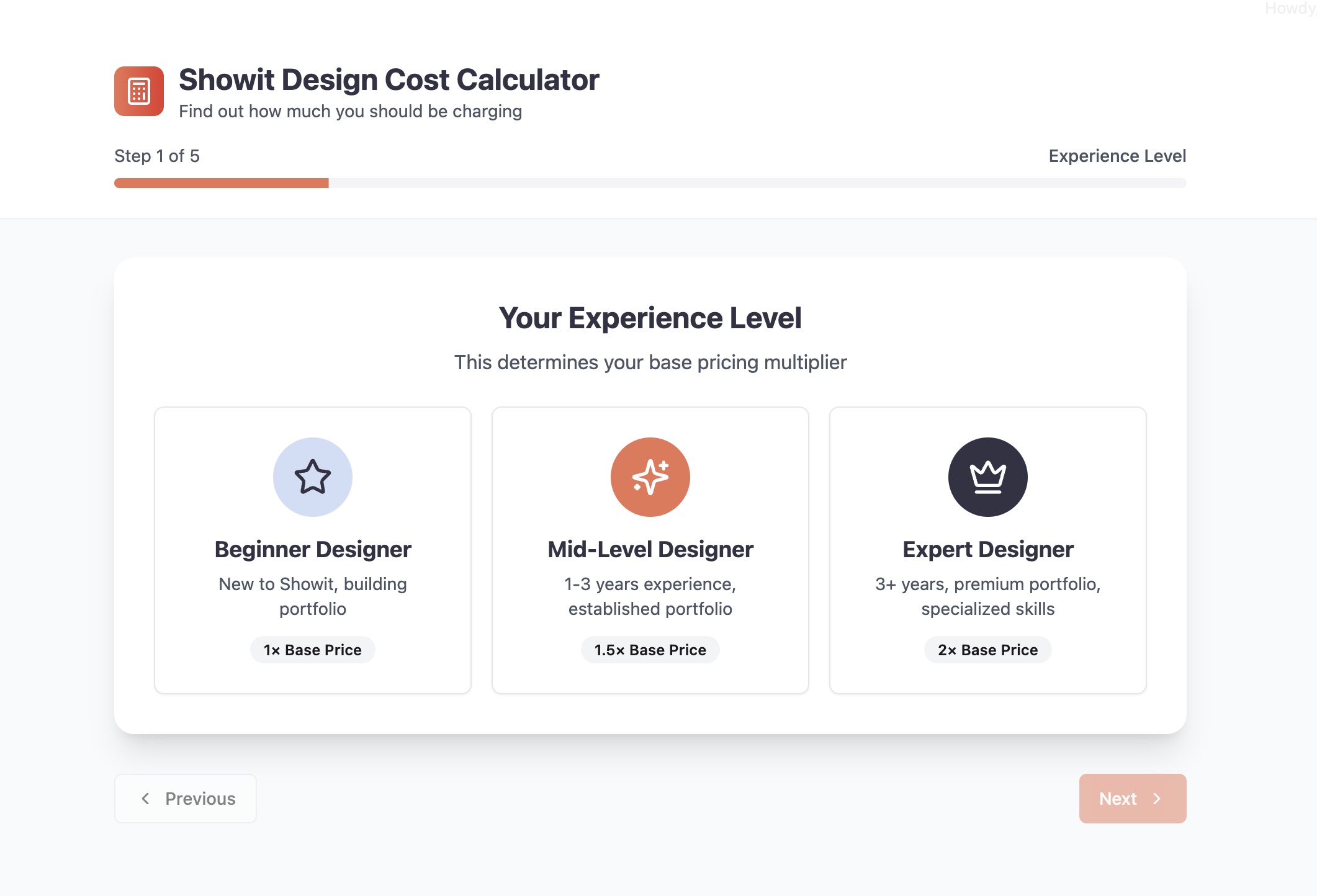
Once you’ve got the skills, the next big question is: what should I actually charge for my work?
Use the Creative Designer Directory’s Showit Website Designer Pricing Calculator to get a clear, personalized starting point. Whether you’re offering full custom sites, template customization, or just dipping your toes into client work, this free tool helps you factor in your experience, deliverables, timeline, and business goals—so you’re not just guessing (or undercharging).
No more pricing anxiety. Just smart, confident rates that reflect your value.
Final Thoughts: Where Should You Start?
If you’re a total beginner, dip your toes in with Showit 101 or the YouTube crash course. Want fast results? That paid courses is perfect to learn all the in’s and out’s before starting your business.
By combining your Showit know-how with some solid branding and business savvy, any of these resources can help you become a confident, booked-out, and well-paid Showit designer.
How long does it take to learn Showit?
Showit is considered one of the most user-friendly website builders available. If you have prior experience with design tools, you can learn the platform within a few hours. Beginners with no web design background may need a few days to become comfortable. Following Showit’s free tutorials is a great starting point, and enrolling in a structured course can significantly accelerate your learning and confidence.
How do I become a Showit designer?
To become a Showit website designer, start by learning the platform through free or paid tutorials. Practice by creating your own site and website templates. Once you’re comfortable, you can begin working with clients or selling templates. Advanced courses and mentorships can help you refine your skills and build a sustainable design business.
How much do web design courses cost?
Web design courses vary widely in price. Free resources are available on YouTube and Showit’s official training hub. Entry-level paid courses typically range from $20 to $100, while advanced programs that include business training, templates, and coaching can cost between $300 and $3,000.
What do web designers think of Showit?
Web designers often praise Showit for its creative flexibility and ease of use. The platform’s drag-and-drop builder allows for fully custom designs without coding, making it a popular choice among designers who prioritize visual branding and creative freedom.
Can I use Showit for free?
Yes, Showit offers a 14-day free trial with full platform access and no credit card required. This allows users to explore the platform, build a site, and test features before subscribing to a paid plan. Use code ‘CreativeSeoCoach’

Comments