Showit Reviews: The Pros, Cons and Honest Opinions
Read balanced Showit reviews, compare pros and complaints, and decide whether to DIY or hire a Showit specialist for your next site.
Summary: Showit reviews from design-led users are generally positive, especially around creative freedom and visual control. The main complaints are the learning curve, separate mobile editing and the need to stitch together ecommerce, so it fits best if design matters more to you than complex online selling.
You're ready to build a website, but is Showit the right choice? You want to know what real Showit users actually like, what drives them mad, and how those tradeoffs would land for your business. In this post we pull together the key patterns from real Showit reviews and first‑hand experience into a practical pre‑purchase checklist.
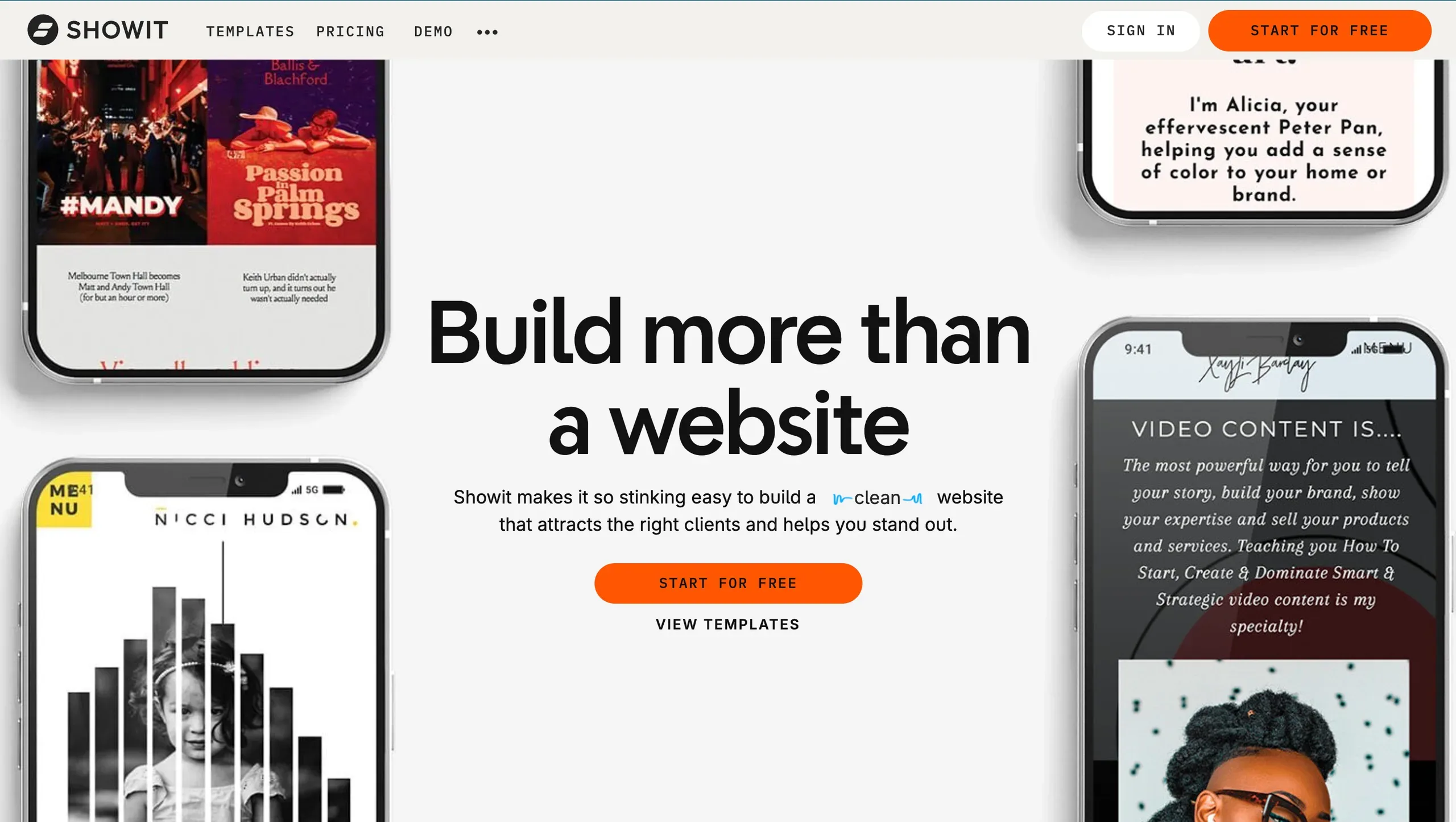 The homepage highlights Showit website templates and custom design options.
What is Showit?
Showit is a drag-and-drop website builder created for design-led businesses, photographers, bloggers and service providers who want a highly visual, custom-feeling site without needing to code. Instead of locking you into rigid templates, it lets you design on a freeform canvas, so you can move text, images and shapes almost anywhere on the page.
Under the hood, Showit connects with WordPress for blogging, which means your posts and categories run on WordPress while your site’s design is controlled in Showit. Ecommerce isn’t native or all-in-one, so if you want to sell products at scale you’ll usually pair Showit with another platform for checkout and inventory.
Showit tends to suit brands that care more about storytelling, portfolios and services than running a big online store. That is why many photographers, designers and creative studios use it as their “home base” online.
Are Showit reviews generally positive?
Showit reviews from design-focused creatives are generally positive, especially on visual design and ease of updating content without code.
On GetApp’s Showit page, the platform sits at 4.5 /5 4, which suggests that the people who do leave reviews are usually happy, but there are not many of them. The small review base is worth keeping in mind. You are not looking at thousands of SaaS users, you are looking at a more niche, creative crowd.
The tone across credible reviews leans the same way designers talk about it in real life: they rave about having full visual control over layouts, typography, and page structure and they like being able to log in and edit content themselves without breaking anything. When someone has moved from a more rigid builder, they tend to sound relieved.
The negatives show up in clear patterns too. People mention the learning curve, especially if they expect a locked-grid builder that “just snaps” everything for them. They also flag that there is no full, native ecommerce for large shops, and that editing desktop and mobile separately can feel like extra work.
So if you are hunting for showit reviews because you want a quick yes/no: designers and visual brands usually love it, but it is not the obvious choice if your main goal is a big online store or a “set and forget” website.
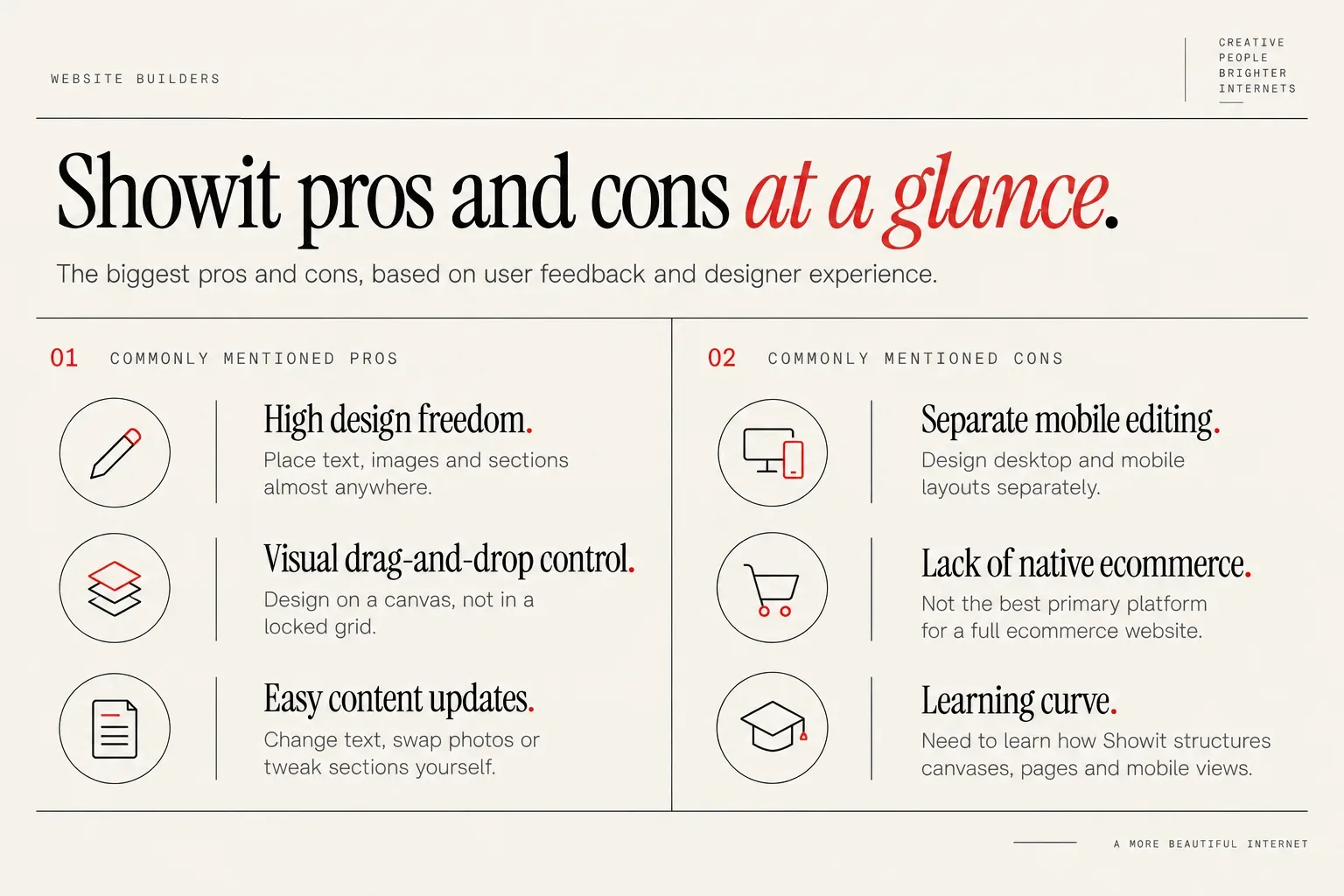
Showit pros and cons at a glance
Showit’s biggest pros, based on user feedback and designer experience, cluster around creative control and ease of editing.
Commonly mentioned pros include:
- High design freedom. You can place text, images and sections almost anywhere, which makes custom layouts and on-brand pages much easier to create.
- Visual drag-and-drop control. You design on a canvas, not in a locked grid, so it feels closer to working in a design tool than a traditional website builder.
- Easy content updates. Once the site is set up, changing text, swapping photos or tweaking sections is straightforward to do yourself without a developer.
The main cons Showit reviewers and users mention are the flip side of that freedom:
- Separate mobile editing. You design desktop and mobile layouts separately, which gives you control, but can feel like double the work if you want everything to auto-adapt. However, while this is more work, SEO Specialist Caitlin Christensen from Creative SEO Coach says this is actually a pro, not a con.
- Lack of native ecommerce. If you want a full, robust ecommerce website, Showit may not be the best primary platform and a dedicated ecommerce platform like Shopify is often a better fit.
- Learning curve. Visual freedom means you need to learn how Showit structures canvases, pages and mobile views, so it can feel slower before it feels easy.
If those pros match your priorities, many of the cons will feel like acceptable tradeoffs. If the cons hit your dealbreakers list, the next sections will help you confirm that early.
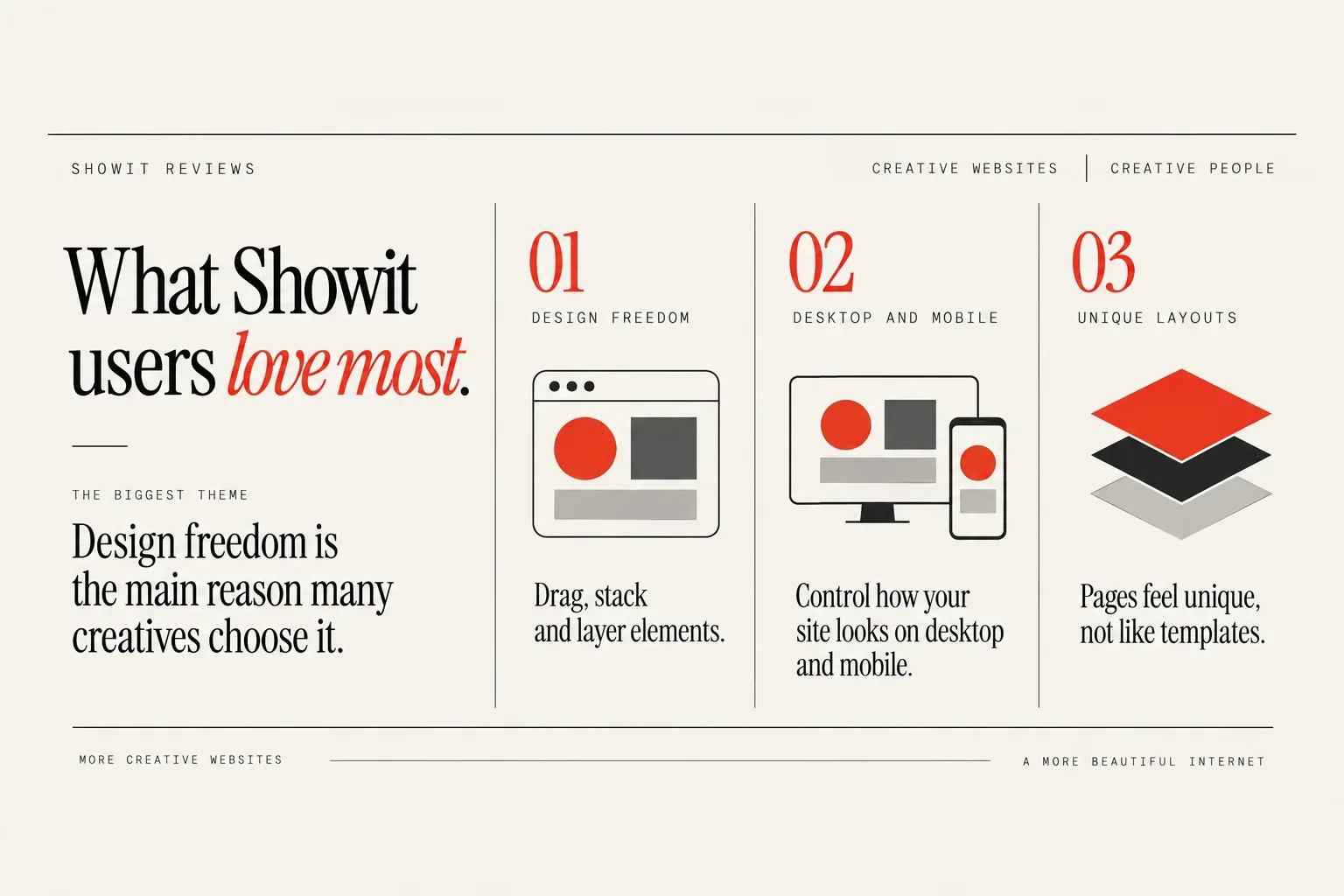
What Showit users love most
The biggest theme in positive Showit reviews is design freedom, and that is also the main reason many creatives choose it in the first place.
I previously designed websites using WordPress, then moved to Showit and fell in love immediately with how much creative freedom it gives. Instead of fighting with themes or templates, you can drag, stack and layer elements until the page actually matches the brand in your head. I appreciate how straightforward it is in Showit to make creative, custom layouts compared to other platforms I have used.
Designers who use Showit say the same thing in their own words. One designer put it like this: “I also loved that Showit lets you control how your site looks on desktop and mobile. Your website shows up beautifully across devices, but you’re never forced into a one-size-fits-all layout. That balance of consistency and flexibility is something I haven’t found anywhere else.” Another reviewer said, “Overall, Showit knocked my socks off. It's unparalleled in terms of design freedom, and I could see this platform being any web designers best friend.”
Those two quotes capture what most positive showit reviews circle back to. It feels like a design tool first, website platform second. You want to back up your own positive experience of Showit’s design freedom with quotes from other designers who also love the platform, because it is a repeated pattern, not a one-off reaction.
For you as a creative business owner or blogger, that matters if:
- Your brand relies heavily on visuals, layout and storytelling.
- You care about pages feeling unique, not like lightly re-skinned templates.
- You want to update your site without calling a developer each time.
If you already feel boxed in by your current platform, this is usually the part of Showit that makes the switch worth it.
Common Showit complaints and dealbreakers
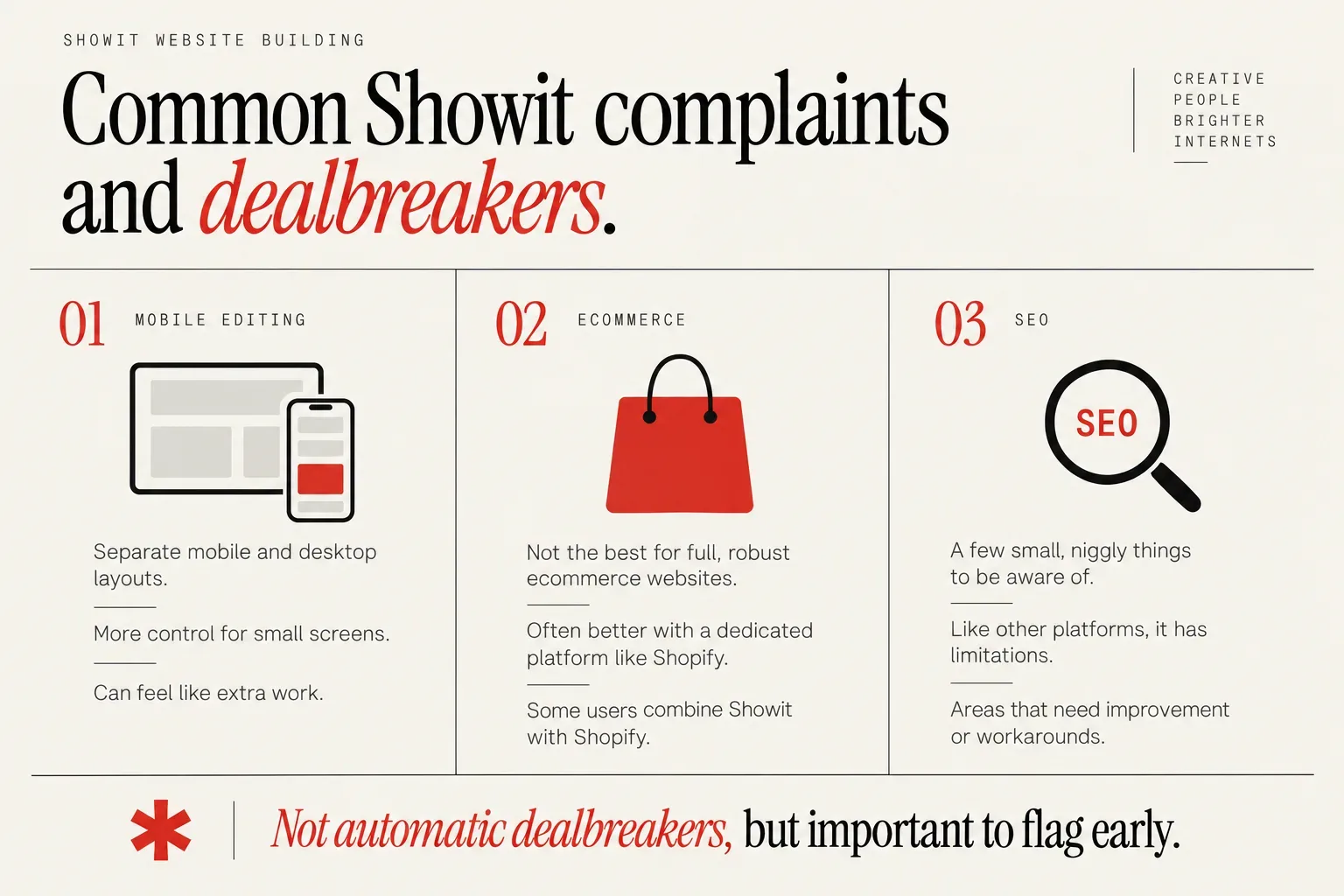
The most common Showit complaints fall into three buckets: mobile editing, ecommerce and little technical quirks, especially around SEO.
Showit handles mobile and desktop as separate layouts. On the plus side, you can reorder sections, hide content and adjust designs for a better small-screen experience. On the negative side, separate mobile editing can feel like extra work for users who expect layouts to adapt automatically, even though others like this control. If you want to design once and never think about it again, this can feel tiring.
Ecommerce is the next big theme. If you want a full, robust ecommerce website, Showit may not be the best primary platform and a dedicated ecommerce platform like Shopify is often a better fit. Some users successfully combine Showit with platforms like Shopify for ecommerce, embedding buy buttons or linking to a separate store. You have seen some very cool examples of Showit sites that use Shopify for commerce, including a strong example from Coyote Brands that combines Showit and Shopify effectively. These hybrid setups can work nicely when design and storytelling live on Showit, and the cart and checkout live somewhere built for scale.
Squarespace also offers built-in ecommerce, so it can be another option for users who want easier, native commerce instead of stitching together tools on Showit. Shopify can feel more frustrating to build with than Showit, but it is designed for full ecommerce and may be a better choice when online selling is the main priority.
From an SEO perspective, Showit has a few small, niggly things you need to be aware of or work around. Every website platform has pros and cons, including SEO limitations, unless you custom-build a site, and even custom builds have their own issues. I do not see these SEO quirks as a clear good or bad thing, just areas that need improvement or workarounds like on other platforms.
None of these issues are automatic dealbreakers, but if your non-negotiables include full native ecommerce or zero interest in mobile tweaking, they are important to flag early.
How Showit compares with Squarespace, Wix and WordPress
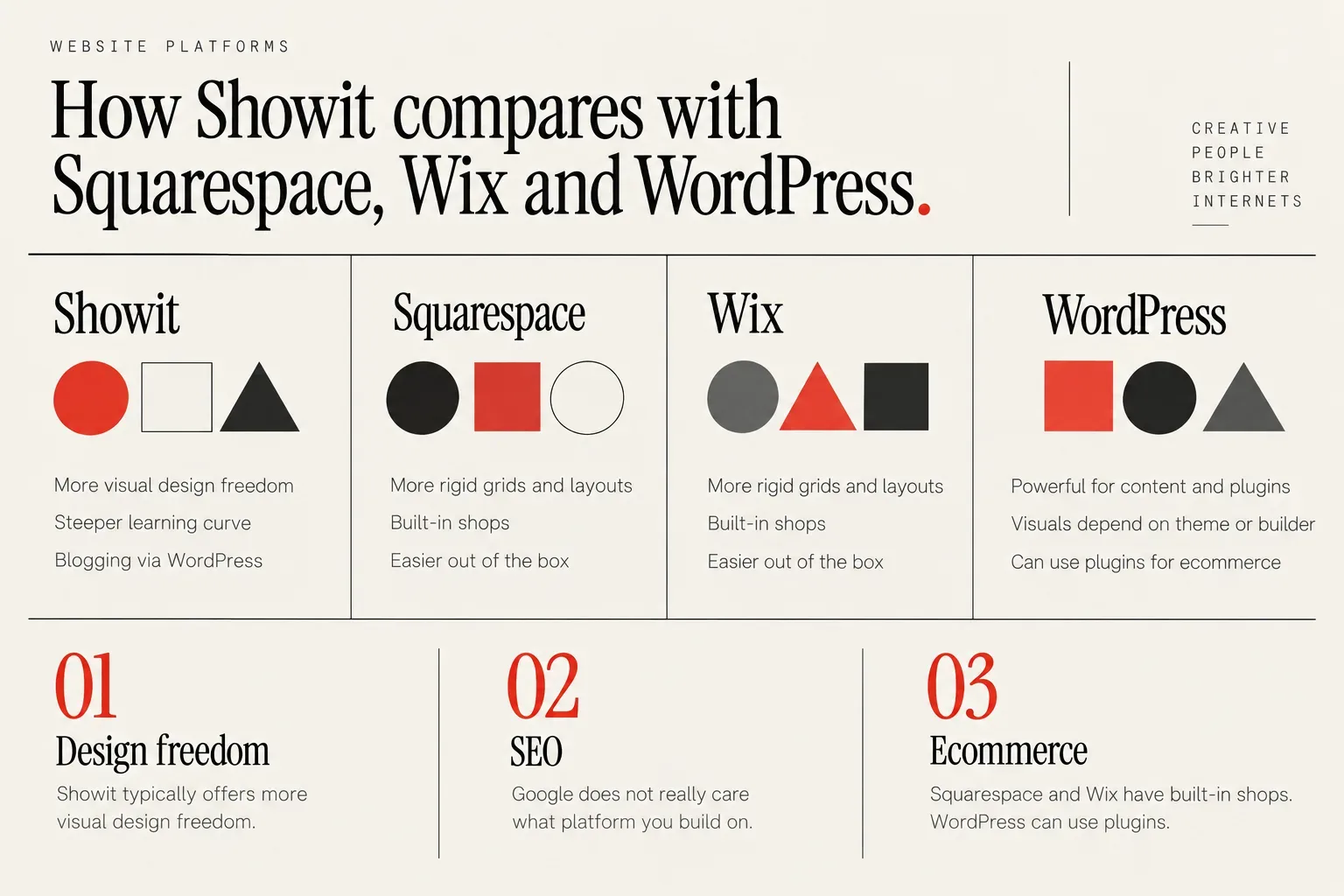
When you compare Showit to Squarespace, Wix and WordPress, the main tradeoff is design freedom versus structure and built-in features.
Showit typically offers more visual design freedom than Squarespace and Wix, at the cost of a steeper learning curve. Squarespace and Wix use more rigid grids and section-based layouts, which makes it harder to accidentally create something messy, but also harder to create something truly custom. If you want almost pixel-level control and do not mind learning a new visual language, Showit usually wins for design.
WordPress is flexible but in a different way. It is powerful for content, plugins and complex functionality, but much of the visual experience depends on your theme or page builder. That is one of the reasons people move from WordPress to Showit: they are tired of wrestling with themes to get a layout that matches their brand.
On the SEO side, it helps to remember what actually matters. Google has stated it does not really care what website platform you build on, as long as it can read, see and understand your site content. The choice of platform (Showit vs others) matters less to Google than whether your site is crawlable, readable and clearly structured. That means you can build on Showit, Squarespace, Wix or WordPress and still do well, as long as your content and technical setup are solid.
Blogging and content are another angle. Showit connects with WordPress for blogging, so your posts and categories live on WordPress while your design is handled in Showit. This setup can feel more flexible than native blogging on some other builders, but it also adds moving parts, so you need to be comfortable managing both.
On ecommerce, Squarespace and Wix have built-in shops, and WordPress can use plugins. Showit leans more toward storytelling and services, with ecommerce handled through integrations or external tools.
Support and learning curve come down to preference. Squarespace and Wix feel easier out of the box. Showit can feel more intuitive if you think like a designer, but more overwhelming if you want strict rails. If you want a deeper breakdown of how Showit works, this complete guide to Showit is a good companion read.
Should you DIY or hire a specialist to build my Showit website?
Once you like what you see in Showit reviews, the next decision is how to build: DIY or done-for-you.
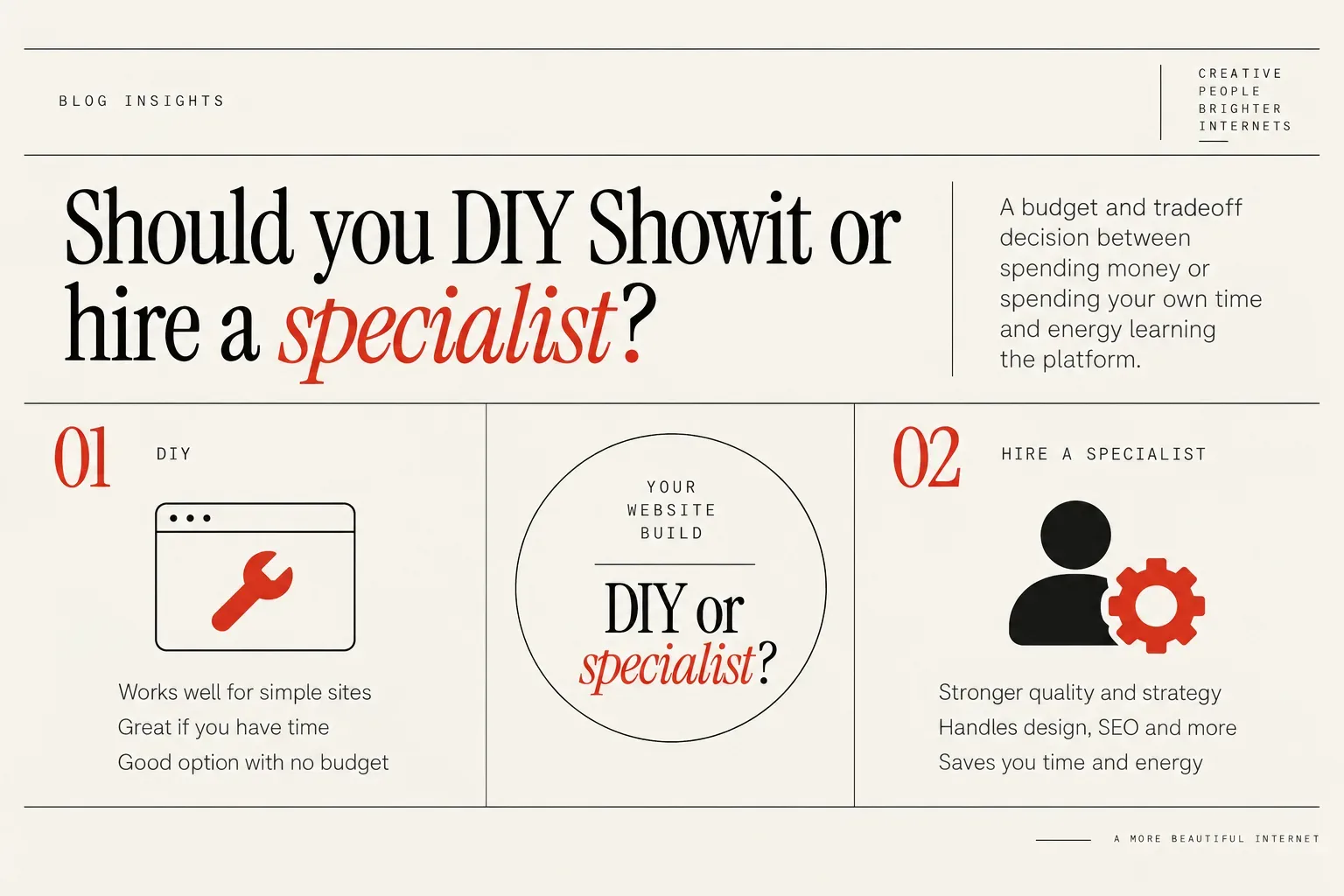
You see the choice between DIY and hiring a Showit specialist as mainly a budget and tradeoff decision between spending money or spending your own time and energy learning the platform. A person whose whole job is to create websites is obviously going to do a better job than someone who is brand-new to Showit, especially in areas like design, structure and user experience. That is not about talent, it is about practice.
DIY can work well for simple sites when you have time and are comfortable learning a new visual tool. If someone is brand-new to their business and has absolutely no budget, your recommendation is to DIY their site or buy a Showit website template they can customize themselves. Showit’s visual approach makes it realistic to get a decent site online if you are willing to learn.
If someone has some money available, your recommendation is to hire a specialist because the quality and strategy of the final site will usually be much stronger. A good Showit designer will handle things like layout hierarchy, mobile design, basic technical SEO and user journeys that lead people to inquiries or sales. That saves you from learning all of that at once while also trying to grow your business.
Pre-purchase checklist from real Showit reviews
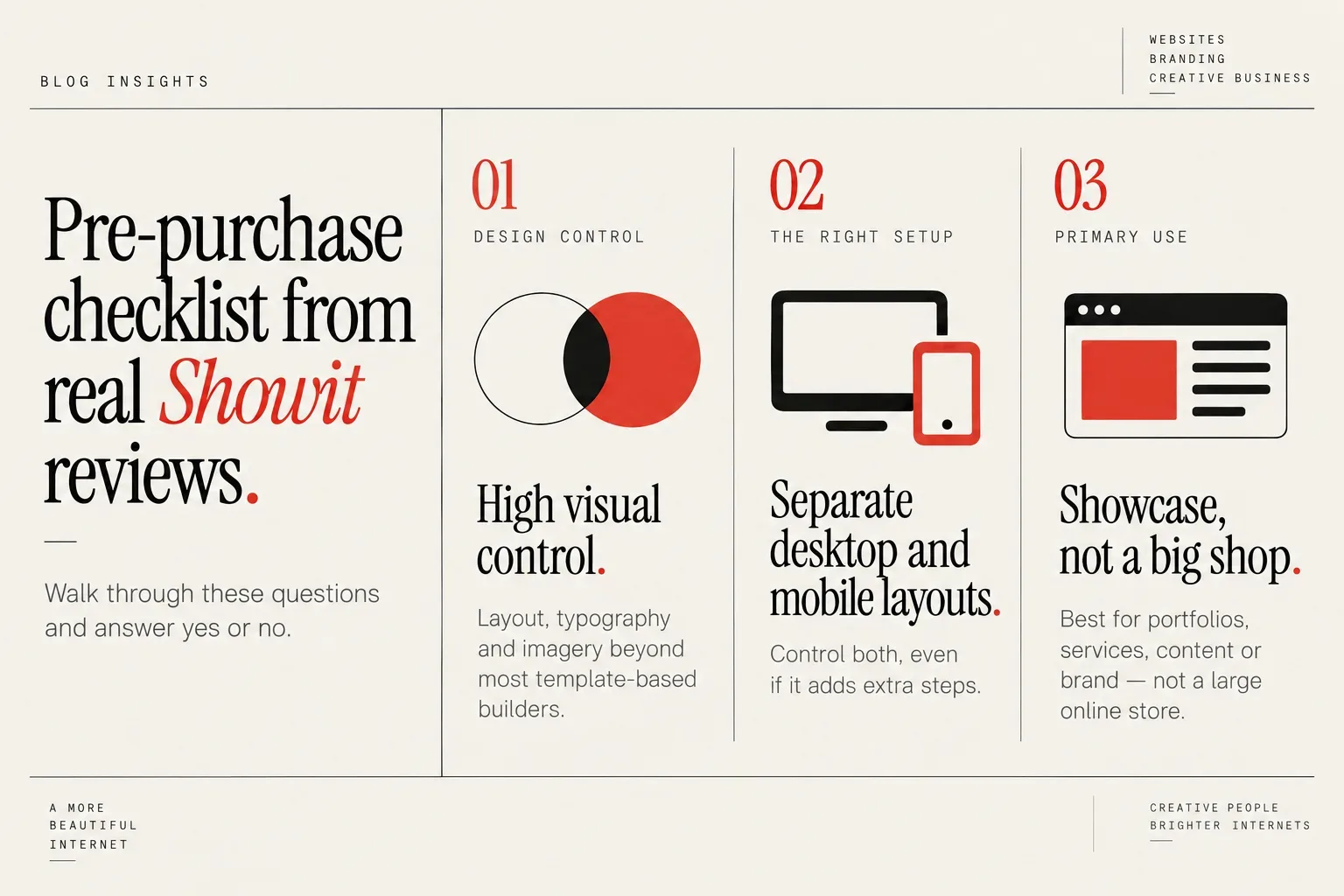
To decide if Showit is the right choice for you w alk through these questions and answer yes or no:
- Do you want high visual control over layout, typography and imagery, beyond what most template-based builders offer?
- Are you happy to spend some time learning a new drag-and-drop tool that behaves more like a design canvas than a traditional website grid?
- Will you benefit from being able to control desktop and mobile layouts separately, even if that adds extra steps?
- Is your website’s primary job to showcase a portfolio, explain services, publish content or build a brand, rather than run a large online store?
- If you plan to sell products, are you open to combining Showit with a platform like Shopify for ecommerce, instead of expecting everything in one place?
- Are you willing to pay attention to technical details like headings, image sizes and structure, knowing that from an SEO perspective, Showit has a few small, niggly things you need to be aware of or work around?
- Do you feel more excited than anxious when you imagine dragging elements around on a blank canvas to design your site?
- If you DIY, do you realistically have the time and energy to learn Showit, create pages and refine mobile layouts?
- If you hire, are you comfortable investing in a specialist so you do not have to touch most of the technical or strategic decisions yourself?
If you answered “yes” to most of the design and content questions, and “no” to “I want a massive native shop,” you are aligned with the people who leave positive Showit reviews. If several answers made you pause, note those as requirements to ask about in discovery calls with Showit designers or to test with a free template.
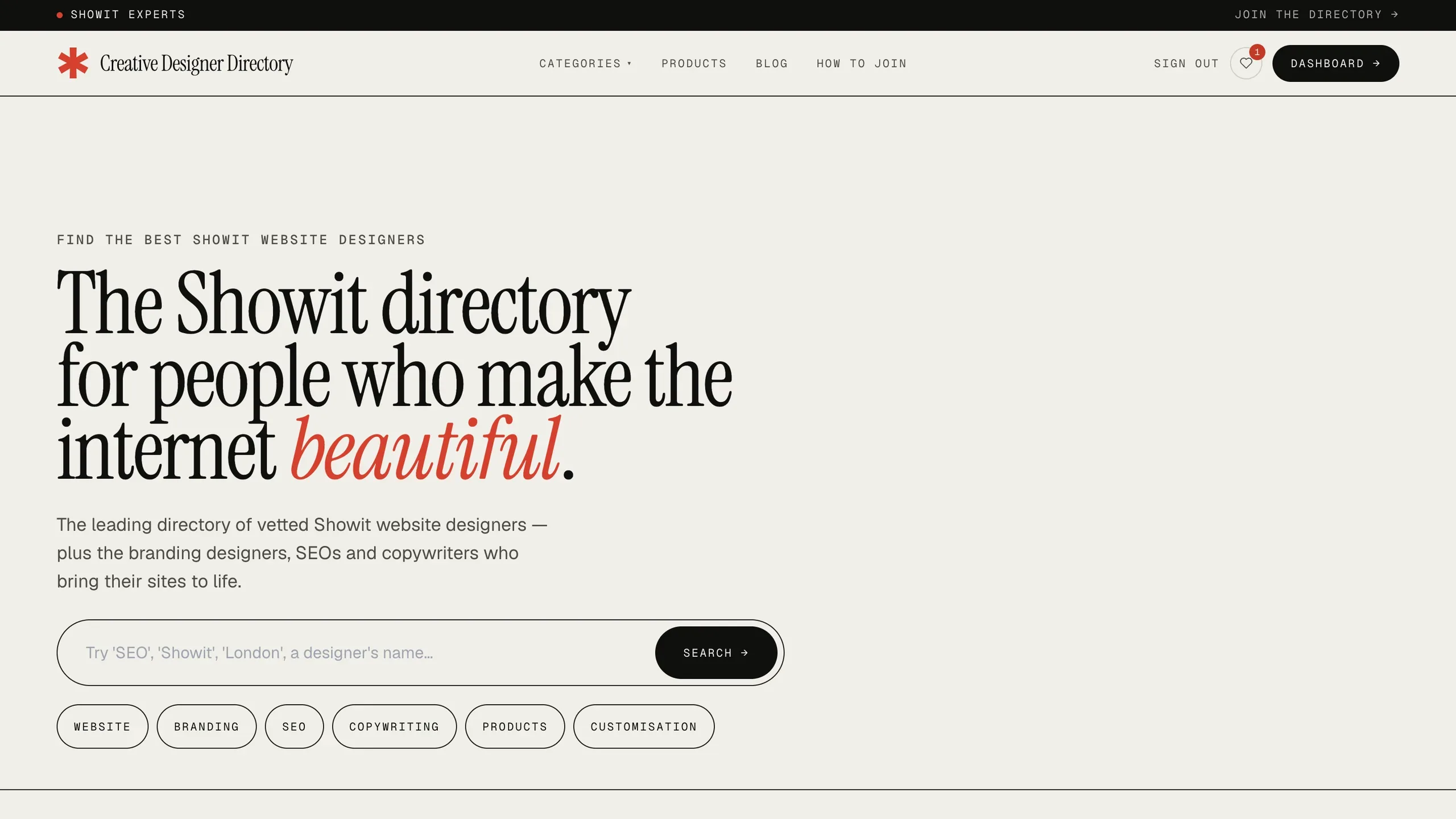 Find vetted Showit designers and other creative service providers.
Find trusted Showit experts and real client results
Reviews are most helpful when you can connect them to real examples of sites and results from businesses that look something like yours.
If you lean toward Showit after reading reviews but do not want to build alone, the Creative Designer Directory is an easy place to find Showit designers, Showit specialists, brand designers, white‑label partners, and related experts. You can browse portfolios, see how designers actually use Showit’s creative freedom, and read verified feedback from their clients.
If you already know you want a custom Showit site, the directory’s custom design page is a straightforward way to browse and hire vetted Showit design partners and specialists. You can compare styles, get a sense of pricing, and reach out directly to the people who feel like a fit. When you are ready to move from reading showit reviews to finding your designer, you can browse Showit Designers and take the next step with a lot more clarity.
How much a Showit website costs is answered with the medians designers list on the directory, and the sample size beside each figure.