How to create an FAQ page for your Website to improve SEO
Learn how to create a standalone FAQ page with clear questions, helpful answers and structure that supports SEO, humans and AI tools.
Summary: A high-performing FAQ page is a full, standalone page of clear question–answer pairs, written in your customers’ own words. When you structure it well and keep it accurate, it helps visitors, traditional search engines and newer AI answer tools understand and share what you actually offer.
A solid FAQ page can quietly do a lot of heavy lifting for your business. It filters out repeat questions, builds trust before someone inquires, and gives search and answer engines clear, reusable explanations of your services. The hard part is knowing what to include, how to phrase it, and what still matters now that traditional FAQ rich results are gone. This guide walks you through building a standalone FAQ page that works for humans, search and AI, with examples tailored to creative service providers and Showit websites.
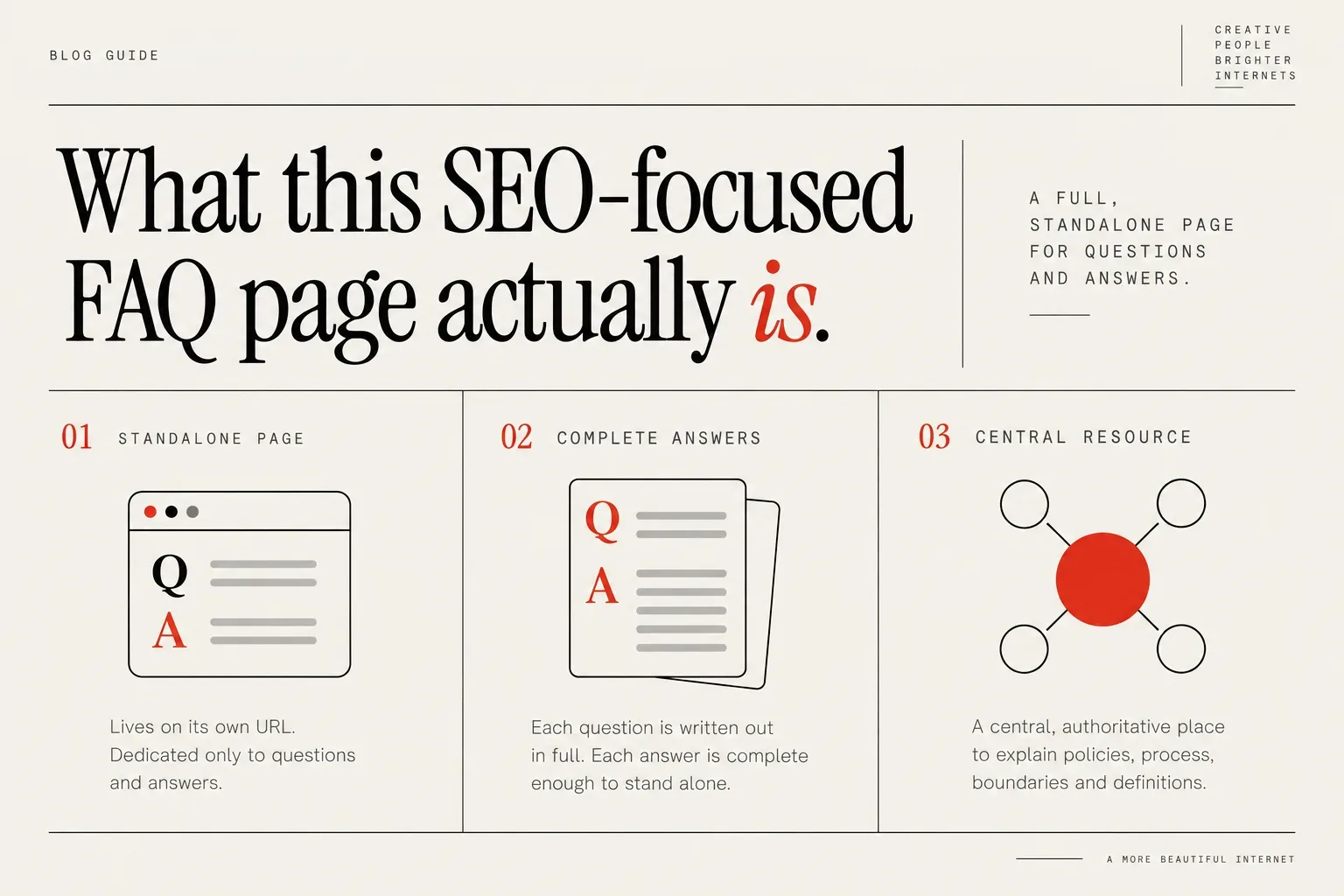
What this SEO-focused FAQ page actually is
A useful FAQ page for search and AI is a full, standalone page that lives on its own URL and is dedicated only to questions and answers. It is not the tiny accordion of three questions you add at the bottom of a sales page as an afterthought.
On this kind of page, each question is written out in full, and each answer is complete enough that it can stand alone if it is copied somewhere else without the surrounding context. That matters because AI assistants and other answer engines often lift a single paragraph or sentence to respond to a user, not your whole page.
This FAQ page is likely to be quite repetitive because every single question needs to be fully answered in a way that can stand alone, even if a similar answer appears right above it. You are writing for the person (or AI) who lands on that one question, not for the person who scrolls and reads everything top to bottom.
From a search perspective, this page becomes your central, authoritative place to explain policies, process, boundaries and definitions. It can support your service and sales pages without stuffing them with every edge case and “what if” scenario.
From an AI perspective, this page is where all the bots go first. Clear, self-contained Q&A pairs make it easier for tools like ChatGPT and other answer engines to quickly read, understand and reuse accurate information about how you work, instead of guessing or relying on third-party sources.
Google’s June 2026 changelog for Search updates says it removed FAQ rich-result documentation because the feature is no longer shown. That reinforces a helpful mindset shift: FAQ markup is no longer a shortcut to special FAQ snippets. Instead, focus on using FAQ structure to create genuinely clear content that humans can skim and AI tools can interpret cleanly.
If you work with Showit or other visual website builders, this page is also a design opportunity. A well-organized FAQ section can make your site feel more considered, not more cluttered, because you are pulling scattered micro-answers into one calm, structured place.
Step 1: Decide the scope of your standalone FAQ page
Before you start typing questions, decide what this FAQ page is actually about. A vague “everything and the kitchen sink” FAQ quickly turns into a junk drawer.
You have three main scope options:
- A business-wide FAQ that covers your studio, your policies and high-level questions about working with you.
- A service-specific FAQ for one key offer, like Showit web design, branding or retainer SEO.
- A product-line FAQ, if you sell templates, courses or semi-custom packages that share similar questions.
If you run a small creative studio with one flagship service, a single business-wide FAQ page might be enough. It can cover questions about timelines, pricing structure, revisions, communication and tools, all in one place.
If you offer several very different services, it is often clearer to keep this standalone FAQ page focused on your main offer and then add mini-FAQ blocks on secondary service pages. For example, you might create one main FAQ just for “working with us on a custom Showit website” because that is where most of your pre-sales questions land.
As you choose your scope, think about what type of inquiry this page should support. Do you want it to:
- Help someone decide whether to fill in your contact form.
- Clarify policies after someone has already booked.
- Reduce support messages about logins, files and ownership.
Pick one primary purpose and let that guide which questions earn a place. Anything wildly off-topic can move to a separate FAQ later.
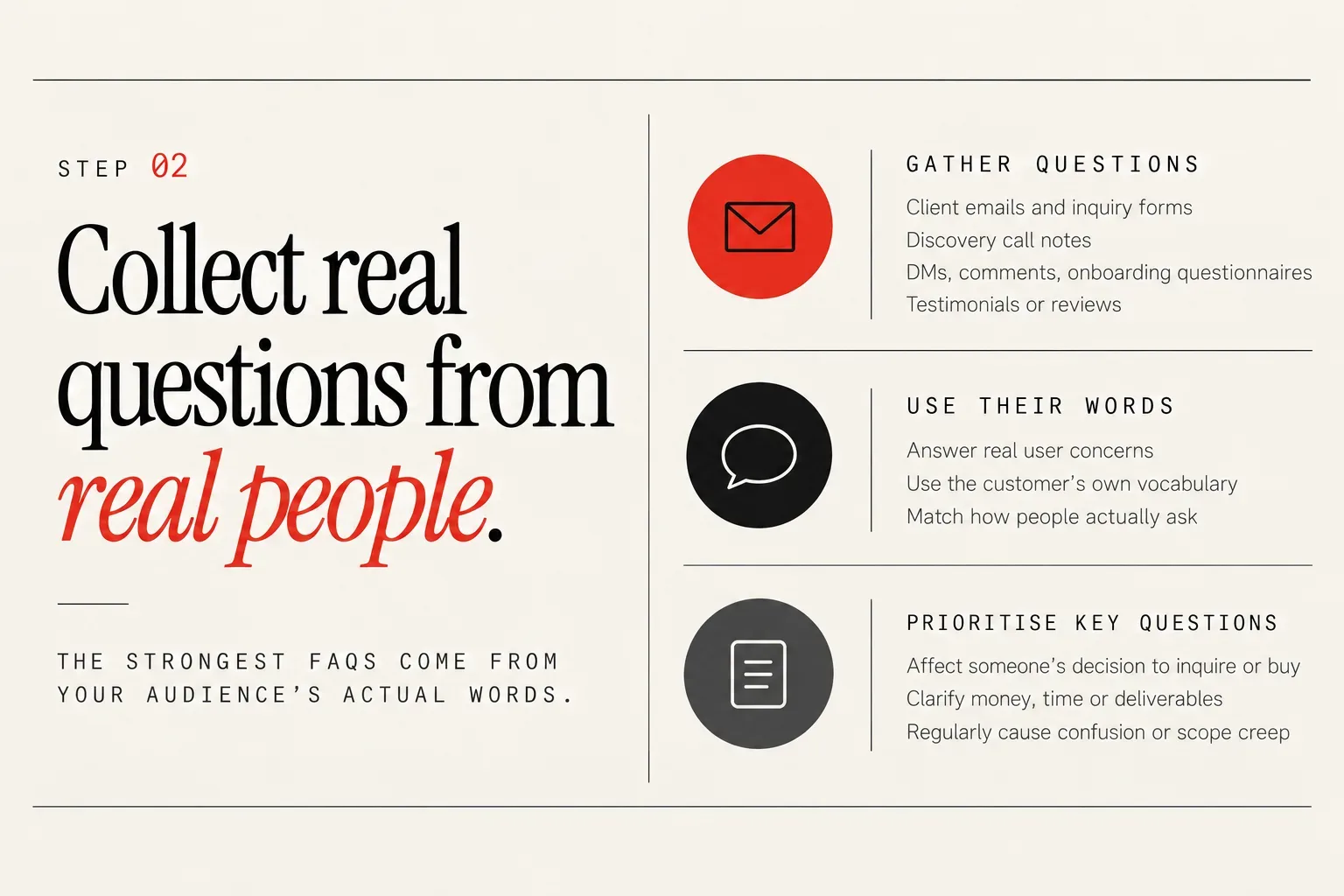
Step 2: Collect real questions from real people
The strongest FAQs come from your audience’s actual words, not from you guessing what sounds strategic. Start by gathering questions from:
- Client emails and inquiry forms
- Discovery call notes
- DMs on Instagram or other social platforms
- Comments on posts, reels and stories
- Onboarding and offboarding questionnaires
- Testimonials or reviews where people mention what they were initially unsure about
Nielsen Norman Group says FAQs should answer real user concerns, use the customer’s own vocabulary, and send people to the best answer rather than inventing questions for keywords. That is a good filter for what earns a spot on your page.
An FAQ page can and should include questions that AI tools and answer engines are likely to surface about offers and policies, not just questions you think of on your own. Look at the kind of things people ask in tools like ChatGPT or other assistants when they are researching services similar to yours, and mirror that level of specificity.
Using customers' own words in FAQs helps with traditional search and with newer answer engines and AI agents that pull phrasing directly into responses. Instead of “What is your brand development framework?” you might keep their wording: “How does the branding process actually work from start to finish?”
Include a few foundational questions every service business needs, then build out from what your clients actually ask:
- What is [Your Business]?
- What services does [Your Business] offer?
- What platforms does [Your Business] work with?
If you want more inspiration, browse how other creative businesses handle common questions. For a concrete example, see the Creative SEO Coach FAQ. Use examples like this as prompts, then rewrite every answer in your own voice for your own policies.
Once you have a messy list of questions, highlight the ones that:
- Affect someone’s decision to inquire or buy
- Clarify expectations around money, time or deliverables
- Regularly cause confusion or scope creep if left unanswered
Those are your first-draft FAQ items. You can always add more niche questions later, but start with the ones that would make a nervous, tab-hopping client breathe out and think, “OK, I get how this works.”
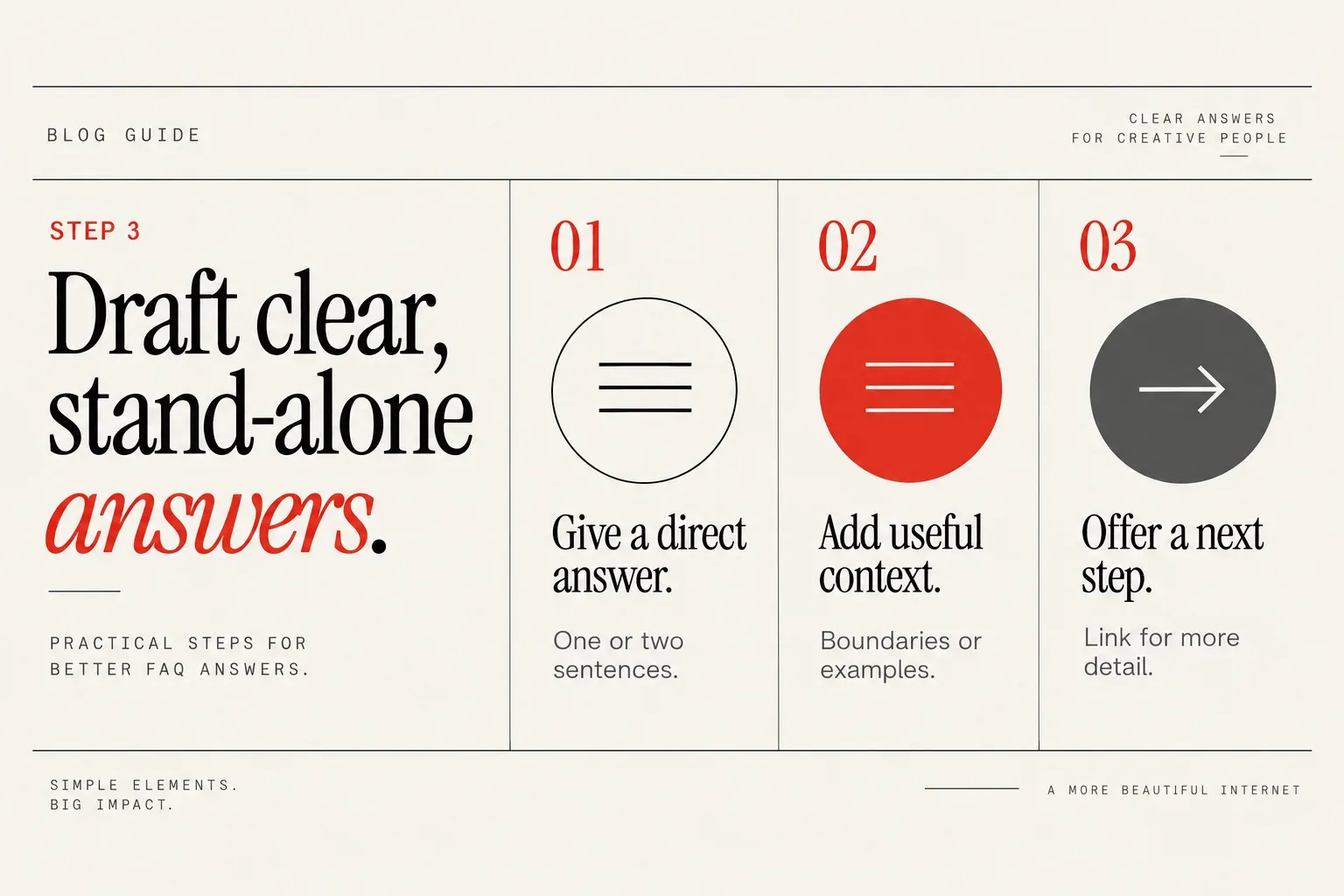
Step 3: Draft clear, stand-alone answers
Write each answer as if it might be screenshot, copied into a Facebook group, or quoted by an AI assistant with no extra context. Clarity beats cleverness every time.
A simple structure that works for almost every FAQ:
- Open with a direct, plain-language answer in one or two sentences.
- Add short supporting context, boundaries or examples.
- Offer a next step or link if someone needs more detail.
For example, instead of “We believe in collaborative timelines,” try: “Most custom Showit websites take 8–10 weeks from booking to launch. That timing depends on how quickly you provide copy, feedback and final approvals.”
When answers are re-used or quoted in isolation, that repetition becomes a feature, not a flaw.
Avoid dodging hard topics. FAQs should answer real questions clearly instead of dodging hard topics. So if people ask “What happens if I need to reschedule my project?” do not hide behind vague language. State your policy upfront.
AI can be helpful as a starting point for generating FAQ questions and draft answers. You always recommend that a human goes through and checks or rewrites them where needed. Use AI to beat the blank page, but always rewrite in your own voice, double-check accuracy and layer in your specific boundaries and examples.
Keep paragraphs short, avoid jargon if your clients do not use it, and name tools or platforms only if they are relevant to the decision someone is making.
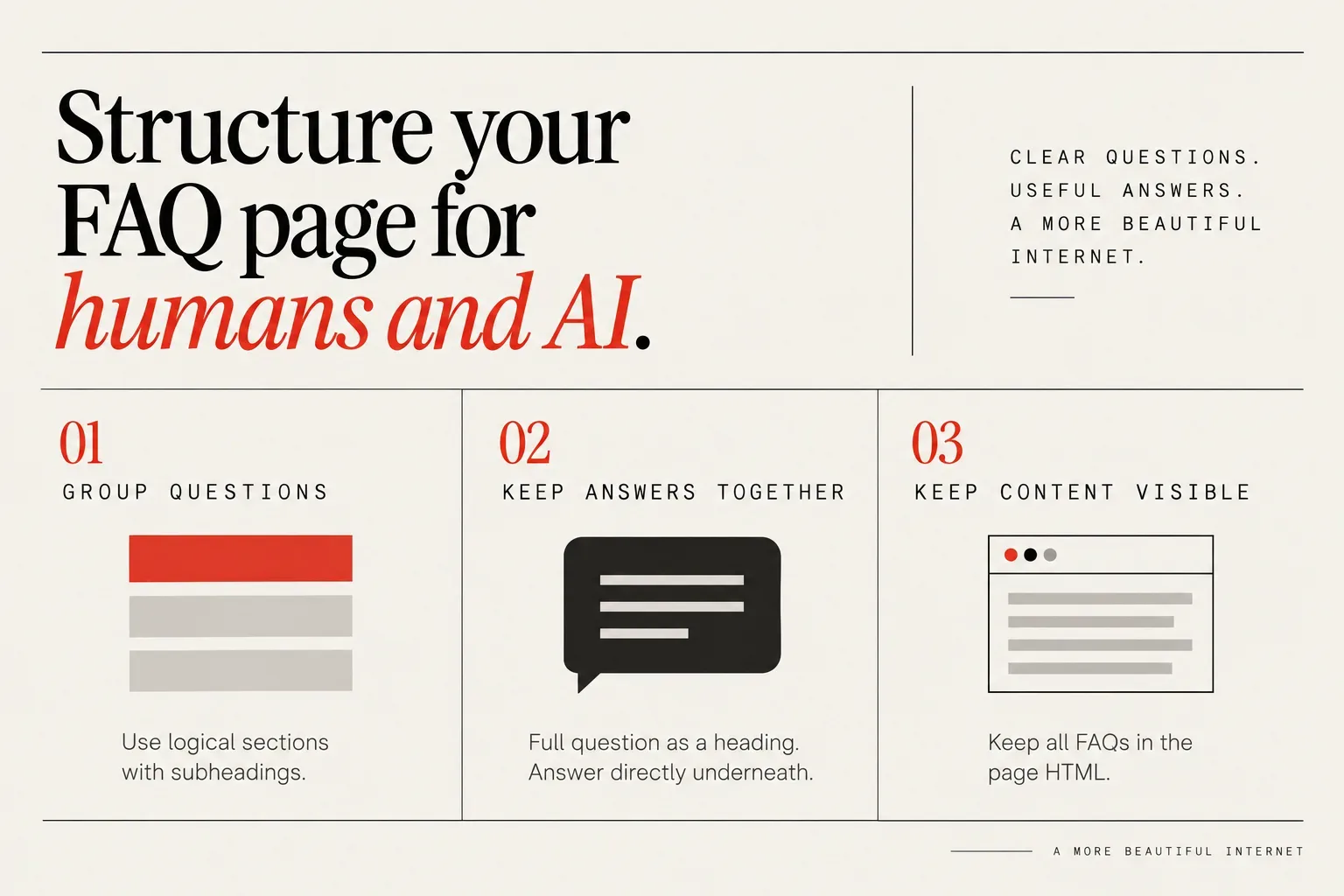
Step 4: Structure your FAQ page for humans and AI
Once you have your Q&A pairs, organize them so they are easy to scan. Group questions into logical sections with subheadings, while keeping each Q&A pair intact under one clear question.
A simple structure for a creative service provider might look like:
- Working together (fit, process, communication)
- Timelines and availability
- Pricing and payment
- Deliverables and tech
- Policies (cancellations, refunds, rescheduling)
- After launch / ongoing support
Within each section, list the full question as a heading (we like using an H2 for each question) or in bold, with the full answer as visible text directly underneath. Avoid splitting one answer across multiple questions or burying the main response in a wall of text.
For humans, this layout lets them scroll to the section that matches what they are worried about. For search engines and AI tools, clearly separated Q&A blocks make it much easier to interpret each answer as a discrete unit.
Keep your FAQ content fully visible in the page HTML rather than hiding answers in accordion views. Some AI crawlers and bots can miss content that stays collapsed, so use clear headings and readable text on the page itself.
You can also include a short intro at the top of the page that explains what this FAQ covers and who it is for. Keep it to one short paragraph, then jump into the questions. Because every question gets its own H2 and answer, this page will probably be long, so consider adding a simple search bar or “jump to section” links near the top to help people scan quickly. The value lives in the Q&A pairs, not in a long preamble.
Step 5: Connect your FAQ page to the rest of your website
A brilliant FAQ is useless if no one can find it. Treat this page as part of your core site structure, not a buried “extra.”
Make it easy to reach from:
- Your footer, near links to terms, privacy or contact
- Key service pages, with a short line like “Read more common questions about custom Showit websites” linking to the full FAQ
- Your contact page, for people hesitating before submitting the form
If you list your services in marketplaces or directories, your FAQ can become the page you link for “more details on process and policies.” When you have a profile in places like Showit Website Designers by Country & City, a clear FAQ on your own domain helps visitors step from browsing to booking with fewer question marks.
Inside your FAQ answers, do not be afraid to link back to relevant pages on your own site. If someone asks about pricing, you can link to your investment page. If they ask what is included in “SEO,” you can link to a more detailed breakdown.
Keep links contextual and helpful. Each answer should work on its own, but a link is a nice way to say, “If you want the full deep dive, go over here.”
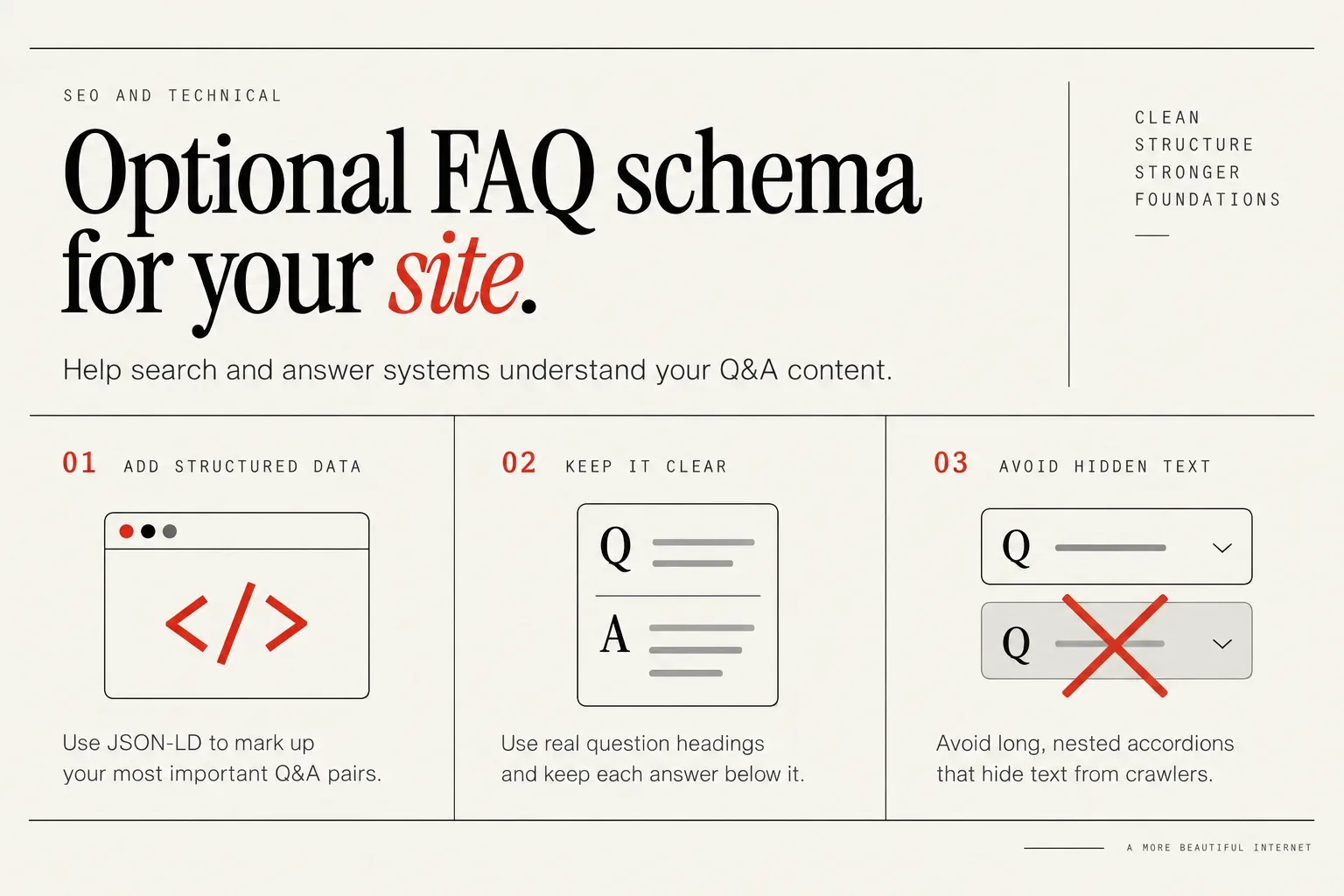
Step 6: Optional FAQ schema and technical details
FAQ schema is a type of structured data you can add in your site’s code to label Q&A pairs. Now that FAQ rich snippets are gone, its role has changed.
Google stopped showing most expandable FAQ dropdowns in search results back in 2023 and officially ended support for FAQ rich results on May 7, 2026. That means you should not expect those old FAQ-style snippets to appear for your site, even if you add schema.
However, other search engines, large language models and conversational AI crawlers may still parse structured data to understand entity and Q&A relationships. FAQ schema can still help some search and answer systems understand the structure of your content. You are essentially adding a label that says, “This is a question” and “This is the matching answer,” which can make it easier for machines to parse.
If you are comfortable with code or use a platform that lets you add JSON-LD easily, you can mark up your most important Q&A pairs. If not, do not stress. The priority is that your HTML structure and writing are already clear enough on their own.
Focus first on:
- Using real question headings, not vague statements
- Keeping each answer directly below its question
- Avoiding long, nested accordions that hide text from crawlers
If you are working with an SEO specialist or developer, you can ask them whether adding schema is worth it for your current stack and goals. You can also learn more about how technical choices fit into your wider marketing by reading pieces like How to Hire an SEO Consultant For Your Business.
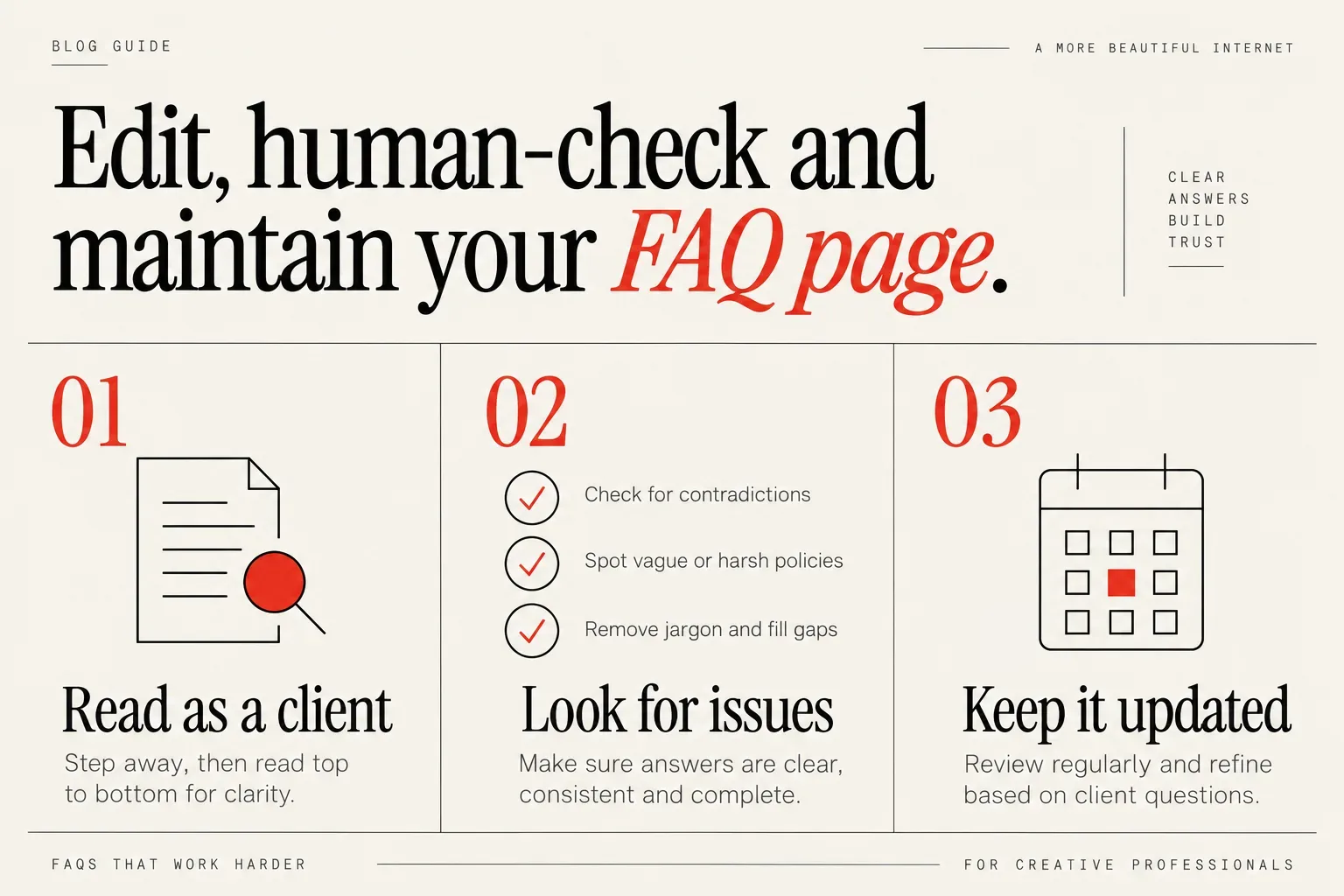
Step 7: Edit, human-check and maintain your FAQ page
Once your FAQ is drafted, step away for a day, then come back and read it top to bottom as if you were a potential client. This is not a quick skim for typos. It is a full clarity check.
It is important to actually read through the FAQ page as a human before publishing, because AI can miss nuance and you want the answers AI agents rely on to be accurate. You are looking for:
- Contradictions between answers
- Policies that sound harsh or vague without extra context
- Places where you accidentally copied internal jargon or shorthand
- Missing steps in explanations
That human layer is where tone, nuance and legal accuracy live.
Treat your FAQ page as a living document. Add a recurring task to review it at least four times a year so policies stay current and AI tools are pulling up-to-date answers, for example:
- When you update a service or raise prices
- After tax season if your invoicing or payment schedule changes
- When you notice the same new question popping up repeatedly in your inbox
When clients ask something that is already in your FAQ, you can reply with a short answer and a link to the full explanation. Over time, that feedback loop helps you refine which questions are crystal clear and which might still be confusing.
Small edits often make a big difference. Swapping one phrase for the words clients actually use, or adding a single boundary sentence, can prevent a lot of future misalignment.
FAQ examples for creative businesses and Showit websites
To help you start creating an FAQ for a website in your niche, here are example questions tailored to common creative services. Adapt the wording to match your brand voice and your clients’ vocabulary.
For Showit website design:
- How long does a custom Showit website project usually take from start to finish?
- What do I need to have ready before we start designing my Showit site?
- Do you offer copywriting, or should I provide all of the website text?
- Will I be able to update my Showit site myself after launch, or do I need to hire you for changes?
- What happens if I need to pause or reschedule my website project?
- Is Showit a good fit for my business if I sell physical products or services?
For branding and visual identity:
- What is included in a full branding project with you?
- How many logo concepts and rounds of revisions are included?
- Can you work with my existing logo and refresh it, or do you only create new brands?
- Do you provide brand guidelines and file types I can use with printers and other designers?
- What happens if I do not like any of the initial brand concepts?
For copywriting:
- Do you write website copy, email sequences or both?
- What is your process for getting to know my voice and brand before you start writing?
- Do you provide keyword research, or should I come with an SEO strategy already in place?
- How many rounds of edits are included, and how do we give feedback?
- Who owns the copyright for the copy once the project is complete?
For SEO and strategy:
- What is included in your SEO services for creative businesses?
- How long does it usually take to see results from SEO work?
- Will you make changes directly on my website, or give me a list of recommendations?
- Do you specialize in any platforms, like Showit or WordPress?
- Do you offer ongoing SEO support after the initial project or audit?
You can mix and match these examples to suit your studio. If you are building out a profile or listing in a marketplace, like when you set up your marketplace profile on Creative Designer Directory, you may also want a section of questions about your location, time zone and how you collaborate across borders.
Aim for a balance: enough questions to feel thorough, but not so many that visitors get lost. Start with your 10–20 most important Q&As, publish, then refine based on what people still ask you.
A thoughtful FAQ page quietly supports almost everything you care about online: clearer inquiries, smoother projects and content that answer tools can quote accurately. If you are ready to get your studio in front of more of the right-fit clients who are already searching and asking questions, you can Join Directory. Created by an SEO specialist, it gives you a permanent, SEO-optimized profile that pairs beautifully with a strong FAQ on your own site.
How much a Showit website costs is answered with the medians designers list on the directory, and the sample size beside each figure.